Blog
8 Best AI Note Taking Apps for 2026 (Ranked)
On this page
- How we ranked the best AI note taking apps
- 1. FluidVox — best overall AI note taking app
- 2. Otter.ai — best for recurring team meetings
- 3. Fathom — best free meeting recorder
- 4. Fireflies.ai — best value for growing teams
- 5. NotebookLM — best for a personal knowledge base
- 6. Notion AI — best if you already use Notion
- 7. tl;dv — best for unlimited free call capture
- 8. Tana — best structured second brain
- AI note taking app comparison table
- Final verdict
How we ranked the best AI note taking apps
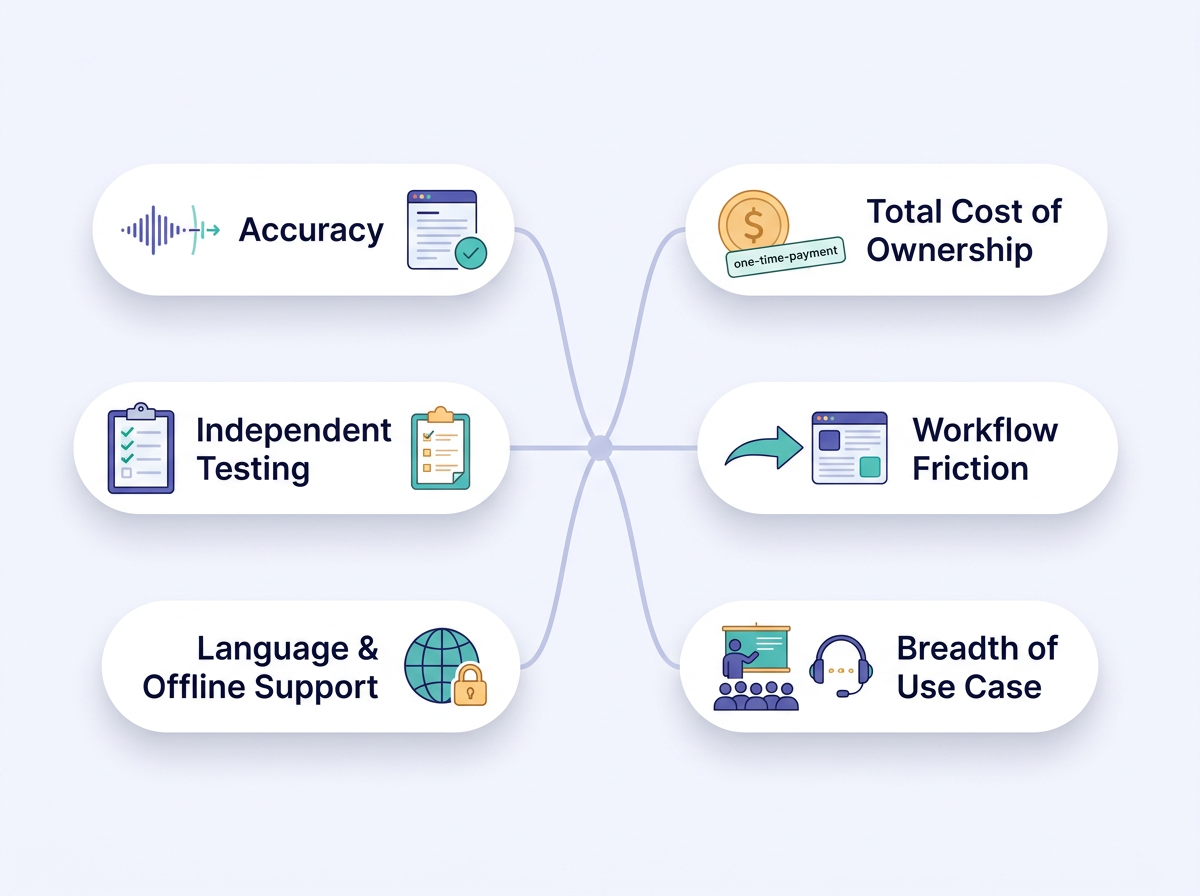
We ranked these apps on the criteria that actually save you time, not on marketing claims. First, accuracy: how cleanly the tool transcribes speech, handles accents, and removes filler words across lectures, client meetings, and quick personal capture. Second, total cost of ownership. A $10–20/month subscription looks cheap until it compounds over years, so we weighed one-time-payment and free-forever models heavily. Third, workflow friction — whether notes land where you actually work instead of a separate dashboard you have to remember to check.
Fourth, breadth of use case. The best tool should handle a university lecture and a sales call equally well, not just one. Fifth, language and offline support, since 99-language coverage and local transcription matter for privacy-conscious and international users. Finally, we cross-checked against independent testing: one reviewer tested over 30 AI note-taking tools across three months (medium.com), and we favored tools that held up in sustained real use rather than one-off demos.
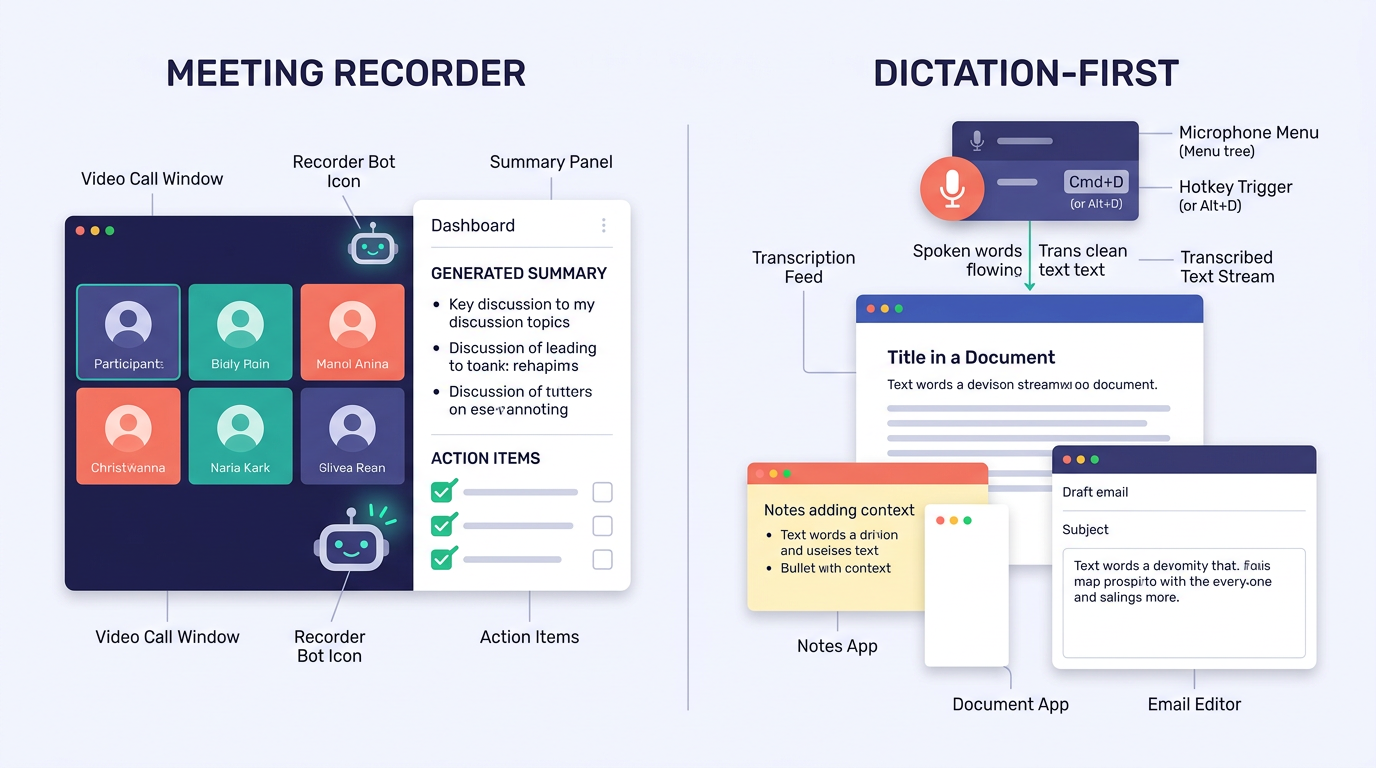
A note on categories: most tools here are meeting recorders that join calls and produce summaries. FluidVox is different — it's a dictation-first app that types your spoken words into any app in real time, which makes it the most flexible pick for people who take notes everywhere, not just in scheduled meetings.
1. FluidVox — best overall AI note taking app
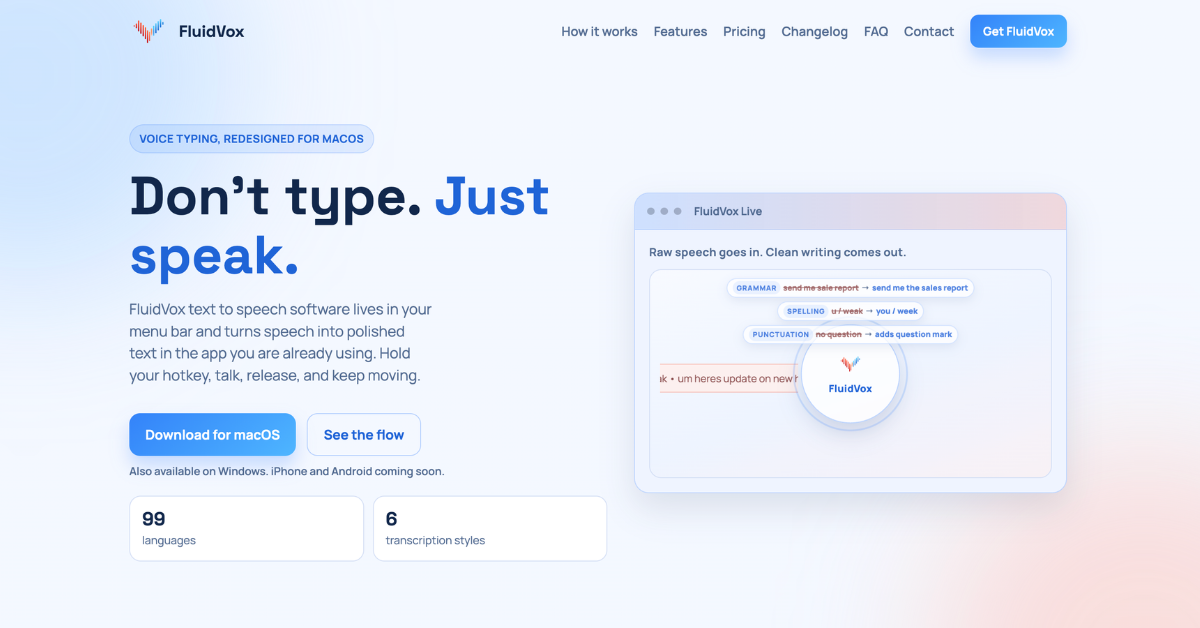 Source: https://www.fluidvox.com/ · captured 2026-07-13
FluidVox is the best overall AI note taking app in 2026 because one payment unlocks free-forever, Gemini-powered dictation that types cleaned-up text directly into whatever app you're using. Instead of joining a call and dumping a transcript into a separate dashboard, FluidVox lives in your menu bar. You hold a hotkey, talk, release, and your words appear in the active window — Google Docs, Notion, email, Slack, or a code editor.
Best for: Anyone who wants accurate notes across every situation — lectures, client meetings, and quick capture — without a recurring subscription.
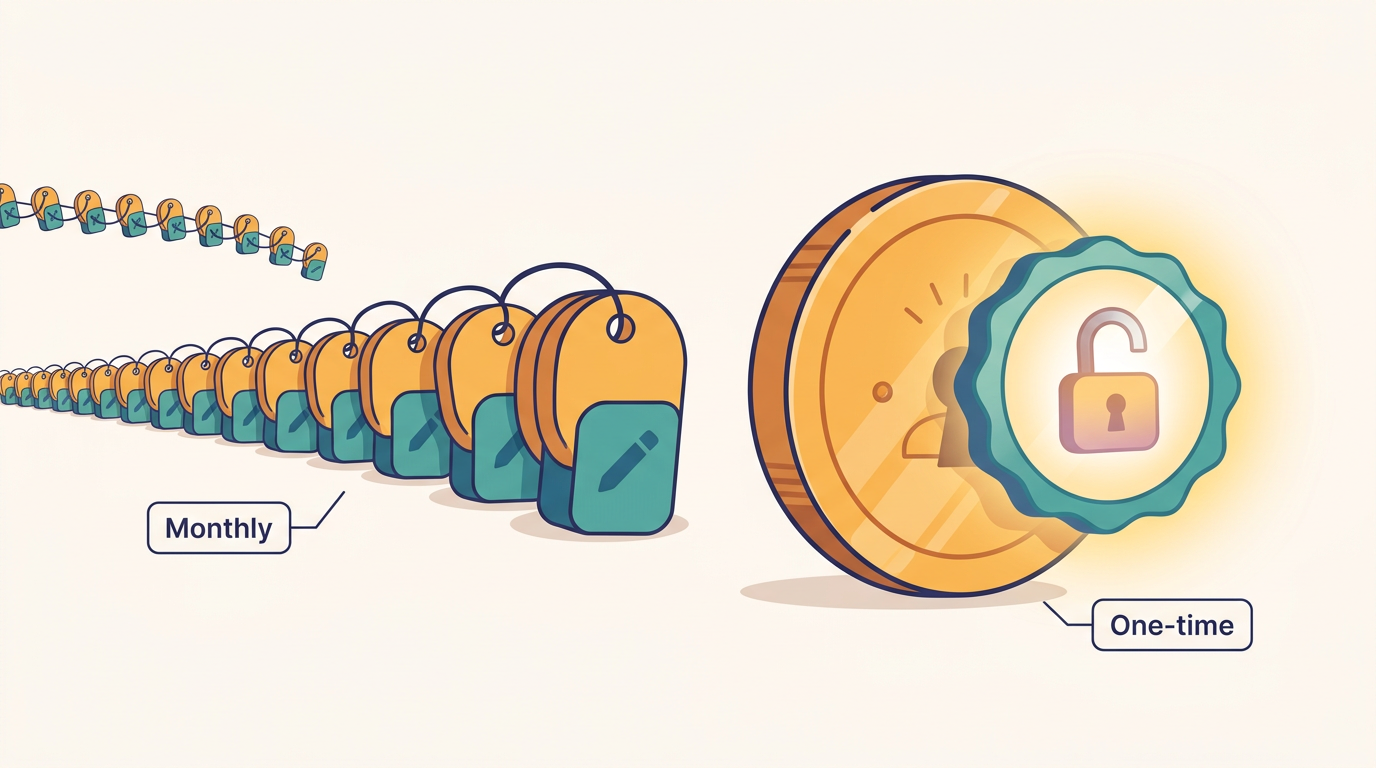
The pricing model is the standout. FluidVox uses a one-time payment that unlocks the app free forever, with no monthly fees, and a free local version is available to try first (fluidvox.com). Over three years, that beats a $10–20/month tool by a wide margin. It runs on the latest Gemini models for high-accuracy transcription and automatic cleanup of filler words, spelling, grammar, and punctuation. It supports 99 languages, six transcription styles, custom dictionaries, and offers both cloud and local (offline) models for privacy.
Because it types into any app, FluidVox doubles as a dictation tool for writing, not just note capture — see how people use it across every workflow. Students dictate lecture reflections straight into their notes app; consultants write client recaps the moment a call ends. The local model means sensitive conversations never leave your machine, which you can verify in the privacy policy.
Pros:
- ✅ One-time payment, then free forever — no subscription math
- ✅ Latest Gemini models handle accents, filler words, and punctuation cleanly
- ✅ Types directly into any app via hotkey, no copy-paste
- ✅ Local offline model keeps private conversations on-device
Cons:
- ❌ It's a dictation tool, so it doesn't auto-join and record scheduled meetings like Otter or Fathom
- ❌ Android support is still coming (macOS, Windows, and iPhone are live)
- ❌ Exact free-trial length isn't published; check the site before buying
2. Otter.ai — best for recurring team meetings
 Source: https://otter.ai/ · captured 2026-07-13
Otter.ai is the most polished pick for teams running frequent meetings, thanks to real-time transcripts, speaker labels, and automatic summaries built in. Otter auto-joins your calendar meetings across Zoom, Google Meet, and Microsoft Teams, records without a bot on the call via its desktop app, and produces summaries with decisions and action items.
Best for: Teams running frequent Zoom, Meet, and Teams calls who want automatic meeting summaries.
The free plan caps transcription at 300 minutes per month (androidpolice.com), which fills up fast if you're in back-to-back calls. Otter AI Chat lets you ask questions across past meetings and connected apps, then draft follow-ups and reports from the answers. Speaker recognition and live transcription in multiple languages round out a mature product.
Pros:
- ✅ Real-time transcription with speaker identification
- ✅ Auto-joins calendar meetings across major platforms
- ✅ Otter AI Chat answers questions about past meetings
Cons:
- ❌ Free plan's 300-minute cap is tight for heavy meeting schedules
- ❌ Built for meetings, so it's weak for lectures or personal capture
- ❌ Ongoing subscription cost adds up over time
3. Fathom — best free meeting recorder
 Source: https://www.fathom.ai/ · captured 2026-07-13
Fathom is the strongest free meeting recorder available, offering instant AI summaries and action items right after every call. Its free plan includes 5 AI-assisted calls per month, each covering summaries, action items, and follow-up emails (pub.towardsai.net). Fathom has earned a strong reputation for fast, accurate summaries and offers a bot-free capture option.
Best for: Solo users and light meeting-takers who want free summaries and action items.
During calls, Fathom generates timestamped highlights and monitors key topics automatically. You can ask Fathom questions across past conversations, and summaries land in your inbox. On paid tiers it integrates with tools like ChatGPT and Claude, and it supports SSO and SCIM for larger teams.
Pros:
- ✅ Genuinely useful free tier with full summaries and follow-up emails
- ✅ Timestamped highlights generated live during calls
- ✅ Fast, accurate summaries with a strong track record
Cons:
- ❌ The 5 AI-calls-per-month free cap is easy to exhaust
- ❌ CRM integrations sit behind paid tiers
- ❌ Meeting-only focus; no dictation or personal-note capture
4. Fireflies.ai — best value for growing teams
 Source: https://fireflies.ai/ · captured 2026-07-13
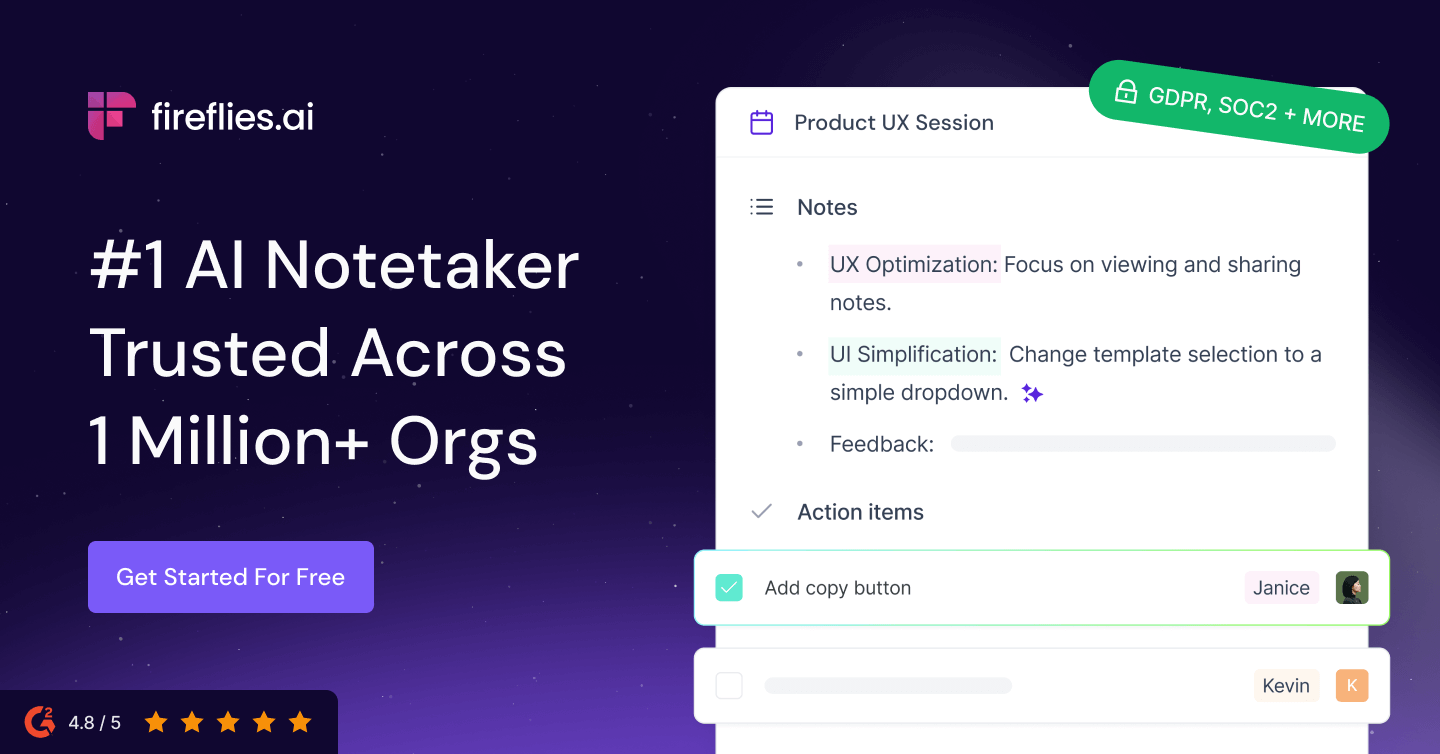
Fireflies.ai is the best value for growing teams that need a searchable meeting knowledge base across every call. It records and transcribes across Zoom, Google Meet, and Teams with a claimed 95% accuracy, then makes every past transcript searchable with AI. Paid plans start at $10 per user per month billed annually (zapier.com).
Best for: Sales and customer-facing teams who need CRM sync and conversation search.
Fireflies transcribes in 100+ languages, auto-detects language across meetings, and identifies speakers. Its AI Note Taker bot auto-joins calendar meetings to record and summarize, and a Chrome extension captures Google Meet calls with real-time transcripts. For revenue teams, it automates CRM logging and follow-up tasks so nothing slips.
Pros:
- ✅ Affordable entry price at $10/user/month annually
- ✅ AI search across all historical meeting transcripts
- ✅ 100+ language support with speaker recognition
Cons:
- ❌ Bot joining calls can feel intrusive to some participants
- ❌ Best features assume a team, not a solo user
- ❌ Per-seat pricing scales up quickly for larger teams
5. NotebookLM — best for a personal knowledge base
 Source: https://notebooklm.google/ · captured 2026-07-13
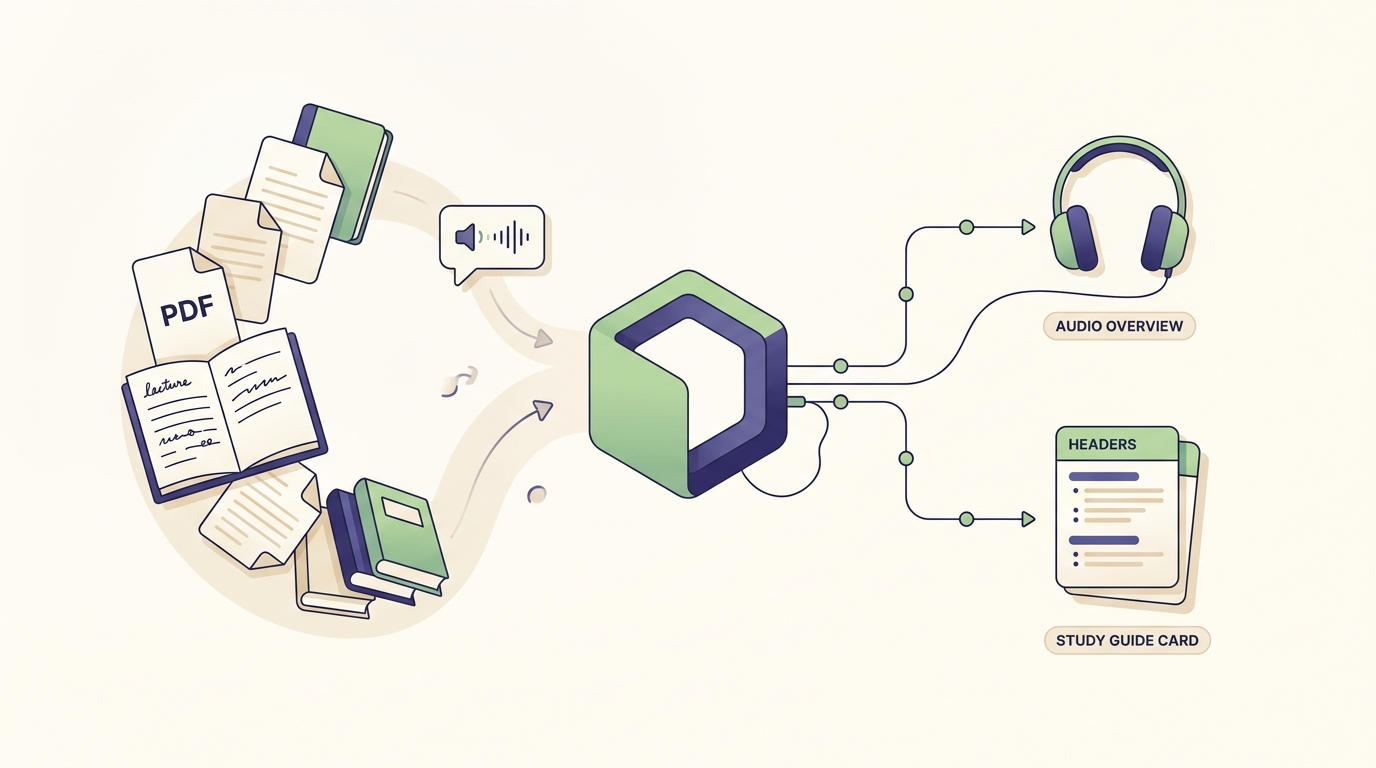
NotebookLM is the best AI tool for building a personal knowledge base from your own sources, because it grounds every answer in the documents you upload. Instead of recording live meetings, you feed it lecture notes, PDFs, and documents, then ask questions — and it cites the specific source, which sharply reduces hallucination. It's free to use with a Google account (notebooklm.google).
Best for: Students and researchers who want to query lecture notes, PDFs, and documents.
NotebookLM generates audio overviews and study guides from your material, turning a stack of readings into a spoken briefing you can listen to on a commute. This makes it a synthesis engine rather than a capture tool: it's excellent for making sense of notes you already have, but it won't sit in on your Zoom call. Pair it with a dictation tool like FluidVox to capture raw notes, then feed them in.
Pros:
- ✅ Answers are grounded in your uploaded sources with citations
- ✅ Audio overviews and study guides from your own material
- ✅ Free with a Google account
Cons:
- ❌ Not a live capture tool — you supply the source material
- ❌ Requires a Google account and uploading your data to Google
- ❌ Limited outside the query-your-documents use case
6. Notion AI — best if you already use Notion
 Source: https://www.notion.com/ · captured 2026-07-13
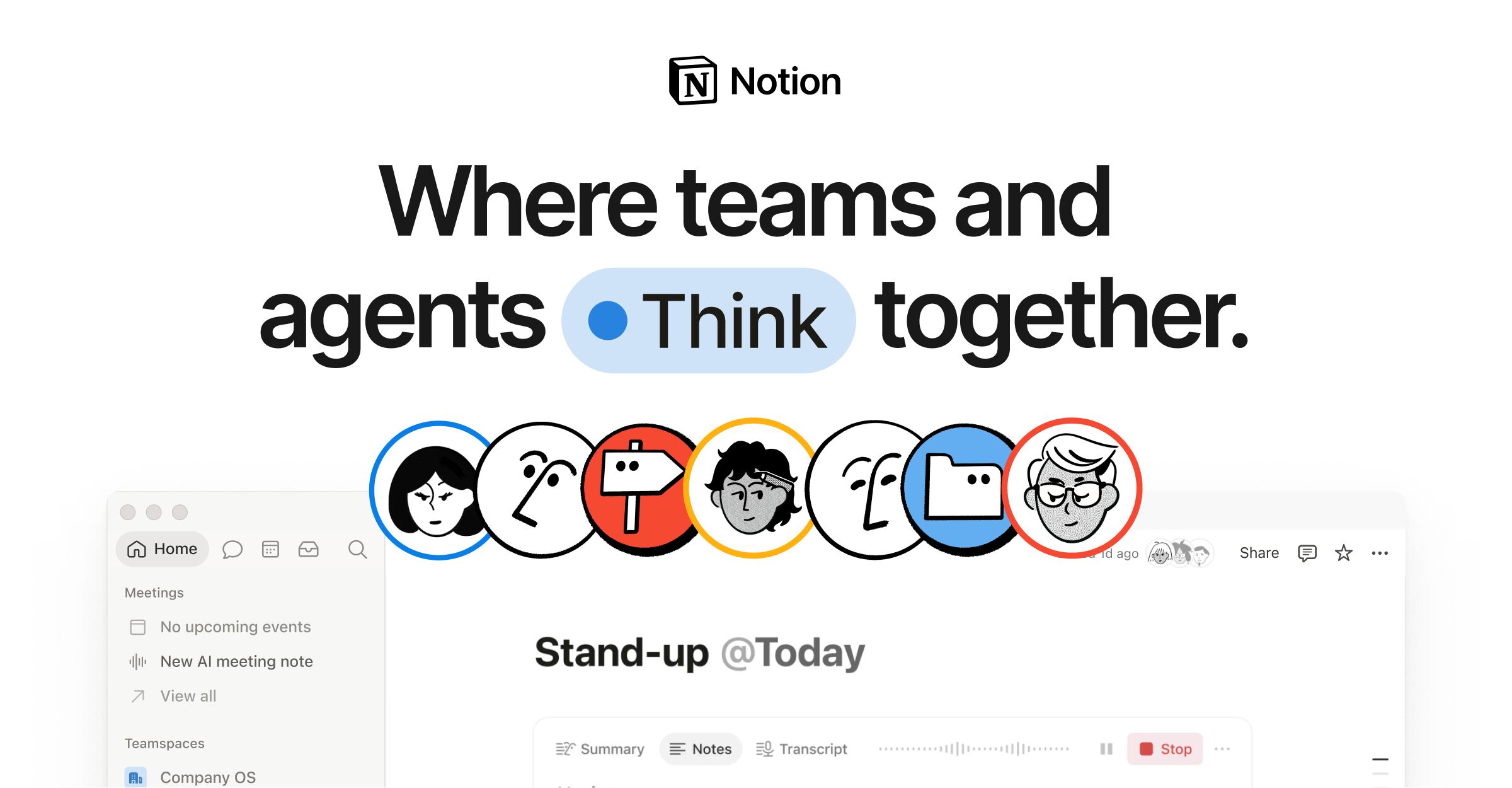
Notion AI is the best pick if you already live inside Notion and want AI woven into your existing notes and databases. Rather than a standalone app, it layers summaries, drafting, and cross-workspace Q&A on top of the docs and databases you already keep. The Notion Agent can complete multi-step tasks using context from Notion, connected apps, and the web.
Best for: People building an all-in-one workspace who want AI summaries alongside docs and databases.
Notion offers a Free plan at $0/month with a trial of Notion AI, and paid tiers add more (notion.com/pricing). AI Meeting Notes and Enterprise Search arrive on the Business plan, and Custom Agents are billed via credits (free to try, then $10 per 1,000 monthly Notion credits). If you dictate into Notion often, the FluidVox Notion workflow speeds up capture before the AI cleans things up. It's not a dedicated meeting recorder — it shines on written notes.
Pros:
- ✅ AI sits directly inside your existing Notion workspace
- ✅ Summarizes, drafts, and answers questions across docs and databases
- ✅ Free plan available to test the AI features
Cons:
- ❌ AI value depends on already using Notion heavily
- ❌ Custom Agents and credits add cost on top of a plan
- ❌ Not built to record and transcribe live meetings
7. tl;dv — best for unlimited free call capture
tl;dv is the best free meeting recorder for high-volume call capture, because its free plan allows unlimited meeting recordings. It records, transcribes, and summarizes across Zoom, Google Meet, and Microsoft Teams with a stated 96% transcription accuracy, and it can capture without a bot joining the call.
Best for: Users who record a high volume of calls and want unlimited recordings for free.
tl;dv transcribes in over 30 languages, captures slides during meetings, and lets you turn highlighted transcript sections into shareable clips and combined Reels. Custom topic trackers monitor discussions, and keyword search spans transcripts, titles, and participants. It integrates with HubSpot, Slack, Notion, Salesforce, and more, and can automatically record every internal and external meeting.
Pros:
- ✅ Unlimited recordings on the free plan
- ✅ Shareable clips and highlight Reels from transcripts
- ✅ 30+ language support with slide capture
Cons:
- ❌ Fewer languages than Otter or Fireflies
- ❌ Meeting-only focus; no dictation or personal knowledge base
- ❌ Advanced automations sit on paid tiers
8. Tana — best structured second brain
Tana is the best structured note app for power users who want AI plus a networked knowledge graph. Instead of flat pages, Tana uses nodes, tags, and connections so your docs, projects, tasks, meetings, and contacts link into one connected knowledge base. AI agents can work during native video calls, capturing decisions and acting on them.
Best for: Advanced personal knowledge management fans who want tags, nodes, and AI capture.
You can configure customizable AI agents and skills using plain natural-language descriptions, and Tana promises it won't train on your data. It's MCP- and API-first, LLM-agnostic, and integrates with GitHub, Slack, HubSpot, Linear, Jira, and Google Calendar. The trade-off is a steeper learning curve than a typical note app — Tana rewards people committed to building a long-term second brain, not casual note-takers.
Pros:
- ✅ Node-based, networked structure for deep knowledge management
- ✅ Configurable AI agents defined in plain language
- ✅ No training on your data, with SSO and granular access control
Cons:
- ❌ Steep learning curve compared with simpler apps
- ❌ Overkill for anyone who just wants quick notes
- ❌ Full value requires ongoing structure and maintenance
AI note taking app comparison table
The table below compares all eight AI note taking apps on who they suit, pricing, and their single biggest strength. For solo users who take notes everywhere, FluidVox's one-time payment wins on cost; for team meetings, Fireflies and Otter lead; for personal knowledge, NotebookLM and Tana stand out.
| Product | Best for | Pricing | Key strength |
|---|---|---|---|
| FluidVox | Notes across any app, any situation | One-time payment, free forever; free local version | Gemini-powered dictation into any app |
| Otter.ai | Recurring team meetings | Free (300 min/mo); paid tiers above | Real-time transcripts with speaker labels |
| Fathom | Light, solo meeting-takers | Free (5 AI calls/mo); paid tiers above | Best free meeting summaries |
| Fireflies.ai | Sales and CS teams | Paid from $10/user/mo (annual) | Searchable meeting knowledge base |
| NotebookLM | Students and researchers | Free with a Google account | Source-grounded answers, low hallucination |
| Notion AI | Existing Notion users | Free plan; paid add-ons and credits | AI inside your docs and databases |
| tl;dv | High-volume call recorders | Free unlimited recordings; paid tiers above | Unlimited free recordings |
| Tana | Power PKM users | Free tier; paid plans above | Networked, node-based second brain |
Final verdict
FluidVox is the overall winner for 2026 because it solves the two problems that sink most note takers: recurring cost and workflow friction. A single one-time payment unlocks free-forever, Gemini-powered dictation that types cleaned-up text directly into any app, so it works for a lecture, a client call, and a quick idea captured while writing an email. Over three years it easily beats a $10–20/month subscription. If you want a faster way to get spoken words into any app, it's the pick.
The runner-up depends on your job. For dedicated meeting recording, Fathom wins on the free tier and Fireflies wins on value once you're paying, while Otter remains the most polished for daily team calls. For building a personal knowledge base rather than capturing live meetings, NotebookLM leads for querying your own documents, Notion AI wins if you already work inside Notion, and Tana is the choice for power users who want a networked second brain.
Key takeaways
- FluidVox wins overall: one-time payment, free forever, Gemini-powered dictation typing into any app.
- Free plans have strict limits — Otter caps at 300 min/month, Fathom at 5 AI calls/month.
- Best pick depends on use case: lectures vs client meetings vs personal knowledge base.
- NotebookLM, Notion AI, and Tana lead for personal knowledge management over meeting-only tools.
- Recurring $10–20/month subscriptions compound; a one-time payment wins over multiple years.
Frequently asked questions
What is the best AI note taking app in 2026?
FluidVox is the best overall AI note taking app in 2026. A single one-time payment unlocks free-forever, Gemini-powered dictation that types cleaned-up text directly into any app — lectures, client meetings, or quick capture. For dedicated meeting recording, Fathom is the best free option and Fireflies offers the best paid value from $10 per user per month.
Which AI note taking app is best for a personal knowledge base?
NotebookLM is best for a personal knowledge base because it grounds every answer in your own uploaded sources and cites them, reducing hallucination. It's free with a Google account. Tana suits power users who want a networked, node-based second brain, while Notion AI works best if you already keep your notes and databases inside Notion.
NotebookLM vs Notion vs Tana: which is best for AI note taking in 2026?
Choose NotebookLM to query and synthesize documents you already have — it's free and source-grounded. Choose Notion AI if you live inside Notion and want AI on your existing docs and databases. Choose Tana if you want a structured, networked knowledge graph and accept a steeper learning curve. NotebookLM is easiest; Tana is the most powerful.
Are free AI note taking apps good enough, or do I need to pay?
Free apps work for light use but hit caps fast. Otter limits free transcription to 300 minutes per month and Fathom to 5 AI calls per month. tl;dv offers unlimited free recordings, and NotebookLM is free with a Google account. FluidVox avoids subscriptions entirely with a one-time payment that stays free forever afterward.
Which AI note taking app is best for college lectures versus client meetings?
For college lectures, FluidVox dictation plus NotebookLM for studying is a strong combo — capture reflections into any app, then query your sources. For client meetings, Otter or Fathom auto-join calls and produce summaries with action items, while Fireflies adds CRM sync. FluidVox is the one tool that handles both situations well because it types into any app.