99
languages
Voice typing, redesigned for macOS
FluidVox speech to text software lives in your menu bar and turns speech into polished text in the app you are already using. Hold your hotkey, talk, release, and keep moving.
FluidVox Live
Raw speech goes in. Clean writing comes out.
 FluidVox
uh lets schedule meeting tomorow at 2 pm • can u send me sale report for this weak • um heres update on new hires we onboarded 3 folks
uh lets schedule meeting tomorow at 2 pm • can u send me sale report for this weak • um heres update on new hires we onboarded 3 folks
Let's schedule the meeting for tomorrow at 2 PM. • Can you send me the sales report for this week? • Here's the update on the new hires: we onboarded three people.
Let's schedule the meeting for tomorrow at 2 PM. • Can you send me the sales report for this week? • Here's the update on the new hires: we onboarded three people.
Live from r/ProductivityApps
Unedited comments from a recent Reddit thread — read the full thread on Reddit →
u/Narrow_Lab1251
Today is the last day of my trial period. Everything is running smoothly, and after two hours of dictation, I haven't found any errors. You're doing a great job! Keep it up!
u/looonacy
Wow, I wasn't expecting a positive response, but you went ahead to not only add the requested feature, but also within a few hours. This totally makes my workflow much smoother. I wish FluidVox all the success — more people should know about this.
u/ZeroReader
I just recommended your app to my friend. It is amazingly accurate.
u/lukec118
I've just signed up as a lifetime user. I was doing a bit of testing with this over the last few days with local-only recordings and it worked really well. Good job mate, looking forward to seeing what you come up with.
u/FWS02
Purchased. Great work! Loving your tool thus far. It works very well.
u/zakariachahboun
It was very cool. I tried it on my Mac and the free local version worked very well. To be honest, FluidVox is really powerful.
u/hannyjar
Considering getting the local license — it's really great value. The app seems like in very active development.
u/ZeroReader
It is a decent application with auto-learning. I am impressed with the accuracy of the transcription. I like it.
u/Narrow_Lab1251
First of all: great job, you respond really quickly.
u/lukec118
Thanks, so far, working great. I'll be upgrading :)
u/FWS02
I'll take a look tomorrow and get it updated. Assuming all is well, I'll pick up my license tomorrow. Been very happy with your product thus far.
u/cedius1
Just started the trial — been pretty great so far. Looking forward to test when iOS launches before committing.
u/hannyjar
Just updated and am no longer encountering either issue. This is awesome, thank you!
u/FWS02
I am just using all the default settings you have out of the box, but it's working well!
See it in action
Tutorials, comparisons, and tips to get the most out of voice typing.
5-minute switch challenge
Try FluidVox for the next fourteen days absolutely free. Email, chat, docs, and notes: the same habit everywhere. One switch changes your workflow across every screen.
Type, pause, edit, retype, and break your flow every few lines.
Dictate your next email, chat reply, and note. FluidVox fixes grammar, spelling, punctuation, and filler words instantly.
You finish with polished writing faster, save hours each week, and stop wanting to go back to manual typing.
14-day free trial. No credit card required.
Start now and feel the time savings on day one as your words move faster than your keyboard.
Start the 5-minute challenge"This will be the single biggest productivity upgrade you make in 2026. Guaranteed."
Works with your full workflow
FluidVox keeps speech-to-text seamless across messages, docs, email, and project tools, so your words land exactly where you are already typing.
Team updates
Schedule moved to Friday at 2 PM.
Can you send the polished draft after QA?
Done. Sharing in five minutes.
From thought to type
One quick flow: trigger, speak, and get clean writing placed directly in the app you are using.
Hold Fn (or your chosen modifier) to start dictation instantly.
FluidVox listens in real time and captures what you say without interrupting your flow.
Clean, polished text is inserted into your active app with formatting already fixed.
Feature stack
New
Say "Hey Vox" followed by any command — translate, rephrase, summarize, reply, or transform your text. Select text in any app and let your voice do the editing.
New
Upload a lecture, meeting, or interview recording and get a full transcript with AI-generated notes that capture every key point, organized and easy to review.
Feature
FluidVox fixes grammar, punctuation, structure, and filler words while you speak.
Feature
FluidVox adapts tone by app, so your writing sounds natural everywhere you type.
Feature
FluidVox understands names and context cues, so your final text lands with the right details.
You can speak softly or in noisy environments and still get clean, usable text.
Data transfer is secure, nothing is stored in the cloud, and transcripts stay local to each user's machine.
Feature
FluidVox remembers your names, product terms, and preferred spellings so corrections stay fixed.
FluidVox adapts to how you actually write — from quick Slack replies to long-form drafts. Here's how different people use it:
Pricing
Local
$2.99
per month
or $39 one-time Best Value
On-device only. Your data never leaves your Mac.
Pro
$10
per month
or $96/year ($8/mo)
All AI features included. No API keys needed.
Pro+
$29
per month
or $276/year ($23/mo)
For power users who need more AI capacity.
Mac and Windows plans start with a 14-day free trial — full access, no credit card required. Then from $2.99/mo.
iPhone & iPad
Purchased on the App Store, separately from the Mac and Windows plans.
FluidVox Pro
$14.99 per month
Cloud AI, nothing to set up. Words appear live as you speak, then get polished the moment you stop. 3-day free trial, cancel anytime.
FluidVox Lifetime
$39 one-time
Private, on-device transcription that works offline. AI cleanup and notes use your own Google Gemini API key.
Compare
|
FluidVox
|
Wispr Flow | Superwhisper | |
|---|---|---|---|
| Price | From $2.99/mo or $39 one-time | ~$12/mo ($144/yr) | $249 one-time |
| Free trial | 14 days, full access | 14 days | Limited free tier |
| Languages | 99 | 100+ | ~100 |
| macOS + Windows | Yes | Yes | macOS only |
| Transcription | |||
| Offline / on-device | Yes (Whisper + Parakeet) | No | Yes |
| Transcription styles | 6 styles | 4 styles | No |
| Custom style creation | Yes — build your own styles | No | No |
| Per-app style matching | Unlimited custom categories | 4 categories | No |
| Personal dictionary | Yes | Yes | No |
| Auto-learn corrections | Yes — AI-validated | No | No |
| BYO API key | Yes | No | No |
| Voice Agent (30 tools) | |||
| Calendar management | Yes | No | No |
| Email (Mail, Gmail, Outlook) | Yes | No | No |
| iMessage / SMS | Yes | No | No |
| Contacts | Yes | No | No |
| Reminders & Tasks | Yes | No | No |
| Create & edit PDFs | Yes | No | No |
| Create spreadsheets | Yes | No | No |
| Edit presentations | Yes | No | No |
| Generate images | Yes | No | No |
| Web search | Yes | No | No |
| Run Apple Shortcuts | Yes | No | No |
| Run AppleScript | Yes | No | No |
| File management | Yes | No | No |
| Screenshot reading | Yes | No | No |
| Create flashcards | Yes | No | No |
| Daily summary | Yes | No | No |
| Set timers | Yes | No | No |
| Advanced | |||
| Live screen-sharing guidance | Yes — Gemini Live | No | No |
| Voice commands | Yes | Basic | No |
Evaluating alternatives? We've written in-depth comparisons with the most popular voice typing apps so you can find the right fit for your workflow.
Or read our roundups: best voice typing apps for Mac in 2026 and best voice typing apps for Windows in 2026.
FAQ
FluidVox is available on macOS, Windows, and iPhone (compatible with iPad). Android support is coming soon.
We received your waitlist request and will notify you when support is live.
Ready to dictate faster?
Install FluidVox, grant permissions once, and start typing with your voice across all your apps.
From the blog
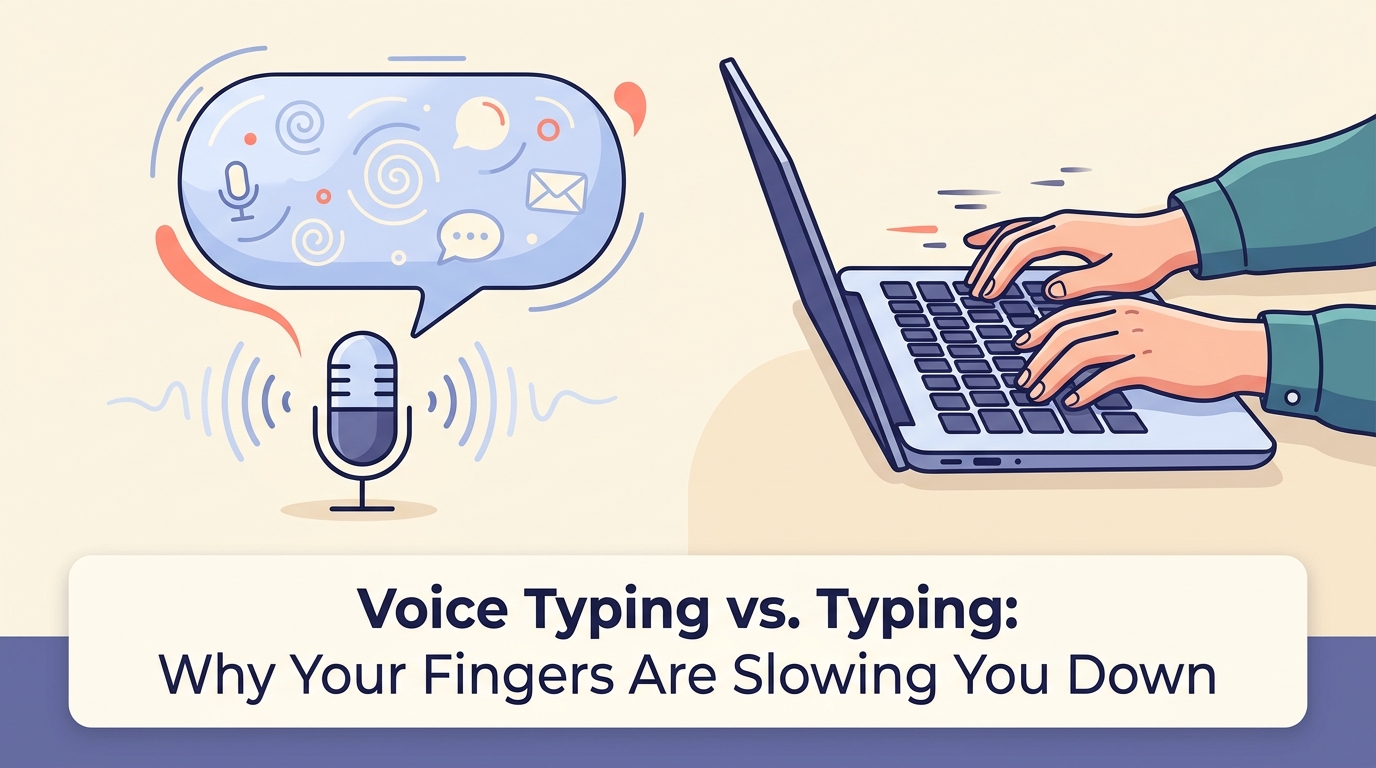
The latest voice typing news: offline privacy tools, AI dictation apps, and how free vs. paid engines stack up on accuracy, languages, and price.
August 25, 2026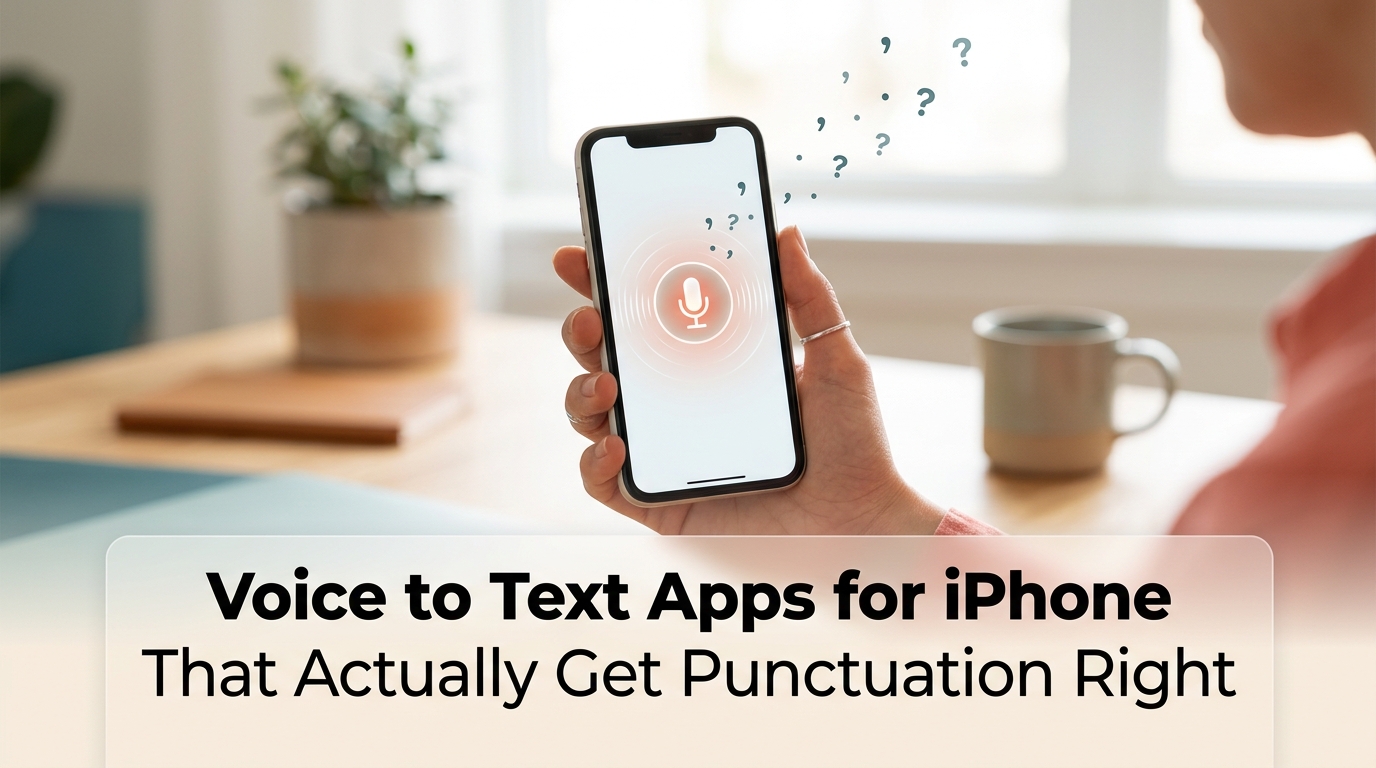
The best voice to text apps for iPhone, compared on punctuation accuracy, price, and offline support—from free Apple Dictation to on-device AI transcription.
August 23, 2026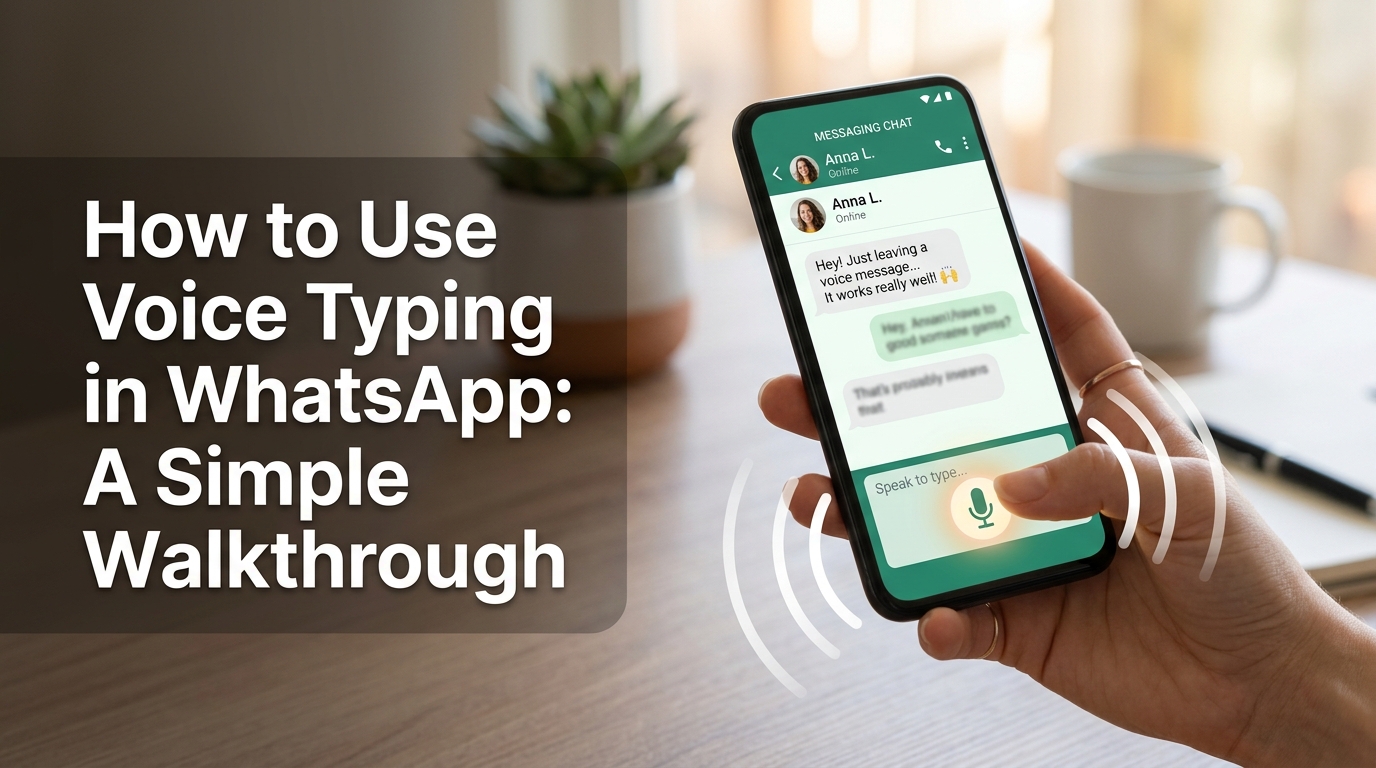
Learn how to use voice typing in WhatsApp on Android, iPhone, and desktop—dictate messages fast without recording a voice note. Step-by-step guide inside.
July 27, 2026


