
Blog
Best AI Powered Productivity Tools in 2026
How we picked
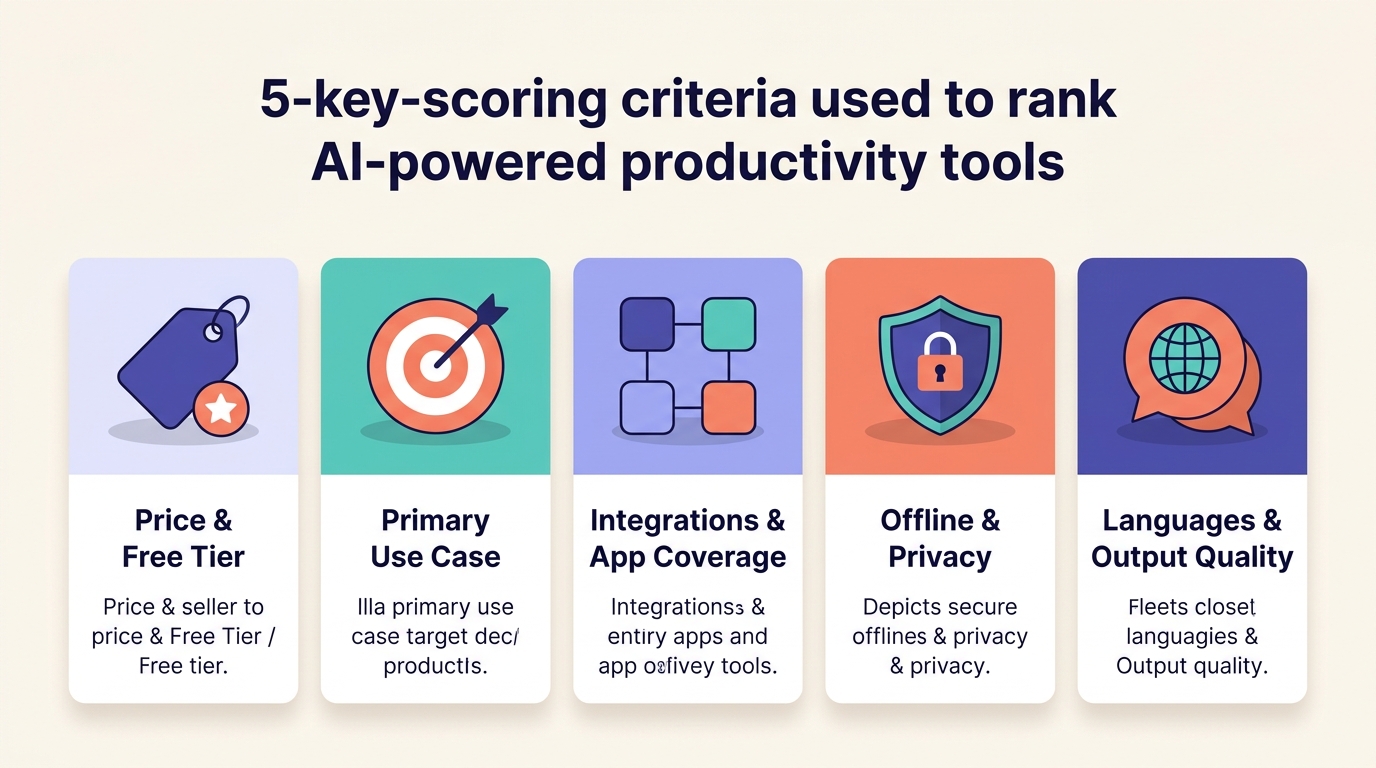
The best AI powered productivity tools are the ones that fit a specific job, so we scored each tool against five criteria rather than chasing one all-in-one winner. Rankings for these tools diverge sharply across roundups — Zapier calls ChatGPT the "industry leader" while TripleTen ranks Claude #1 and demotes ChatGPT for hallucination risk. That disagreement is the point: the answer depends on what you do all day.
Price and free tier. AI tool pricing in 2026 spans $4/user/month (Todoist Pro) to $200/month (ChatGPT Pro, Perplexity Max), with most paid seats clustering at $15–$35 and free tiers common, according to pricing data compiled by Plus AI and TripleTen. We weighted generous free tiers heavily.
Primary use case. Each tool earns its place in one category — chat, search, meetings, tasks, voice typing, or automation. A general chatbot can do most jobs "with mediocrity," as Plus AI puts it, while dedicated tools win on a single dimension.
Integrations and app coverage. Tools that plug into Slack, Microsoft 365, Google Workspace, or thousands of apps beat standalone tools. Zapier alone connects 9,000+ apps.
Offline and privacy handling. Local model support and clear data practices matter, especially for regulated work. Few tools offer offline processing; we flag the ones that do.
Languages and output quality. Multilingual support and accuracy claims separate the leaders. We note where a tool is English-centric versus the 99-language reach of voice tools like FluidVox.
ChatGPT
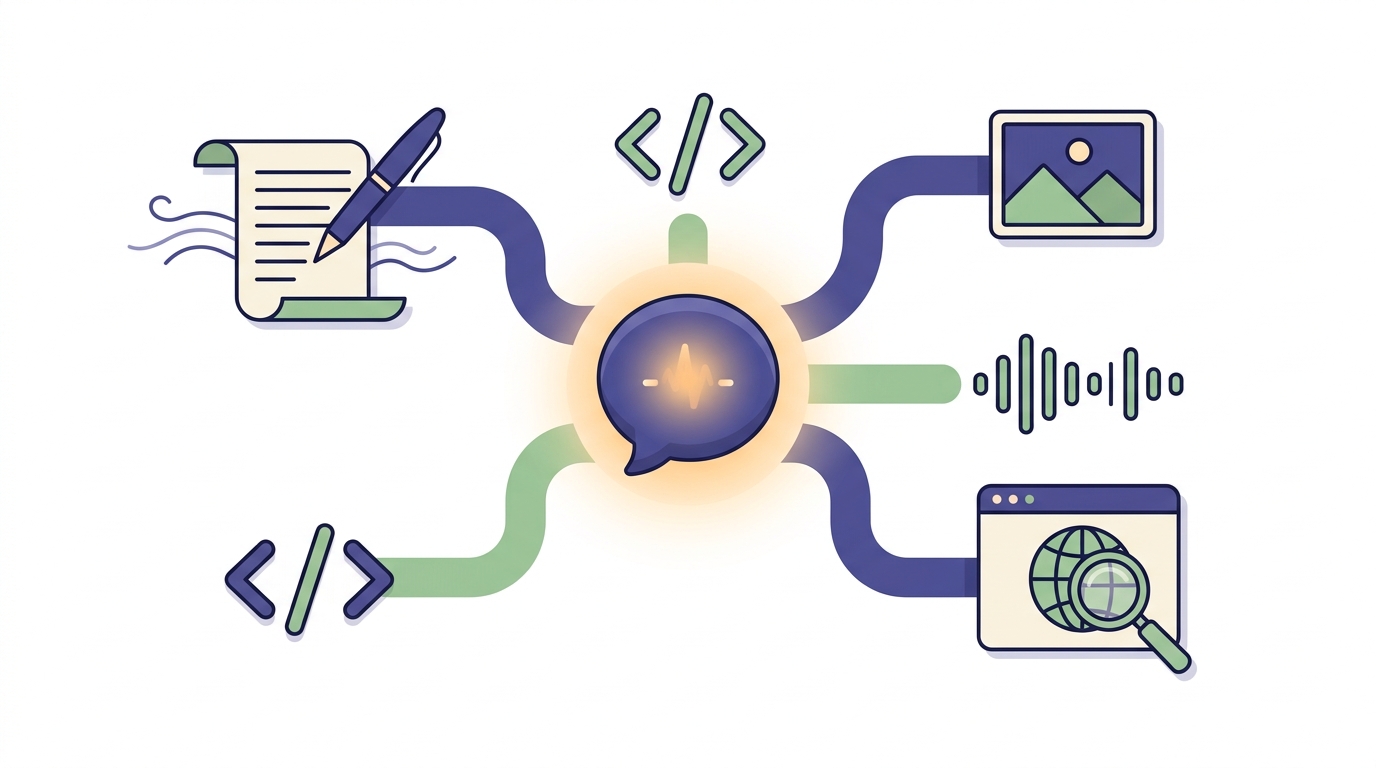
ChatGPT is the best choice for general-purpose AI work because no other tool matches its range across drafting, reasoning, coding, and everyday Q&A. OpenAI's chatbot is the default starting point for most knowledge workers, and Zapier names it the "current industry leader" among chat assistants.
Best for: People who want one assistant for writing, reasoning, research, and quick answers without switching tools.
ChatGPT runs on GPT-5 class models with web search, file uploads, image generation, and voice mode built in. The free tier covers casual use; ChatGPT Plus runs about $20/month and Pro sits at $200/month for the heaviest users, per TripleTen's 2026 pricing. Team plans run roughly $25–$30 per user per month. Its plugin and custom GPT ecosystem is the broadest of any chat tool, which is why it lands first on most lists.
The catch: ChatGPT lives in a browser tab or app, not inside your operating system. It does not type into your active email or notes app the way a dedicated voice or writing tool does — you copy and paste.
Pros:
- ✅ Widest capability range of any single AI tool — writing, code, analysis, images, voice
- ✅ Largest plugin and custom GPT ecosystem for extending functionality
- ✅ Generous free tier; $20/month Plus is enough for most professionals
- ✅ Strong web search and file analysis for grounded answers
Cons:
- ❌ Higher hallucination risk than narrower tools; always verify facts
- ❌ No deep OS-level or app-specific integration — you copy results out
- ❌ TripleTen flags privacy concerns tied to OpenAI data handling
Claude

Claude is the best choice for long-document analysis and high-quality writing because its large context window and careful reasoning beat rivals on dense, nuanced work. Anthropic's assistant is the pick TripleTen rates as the best all-rounder chat assistant, scoring it 4/4/4 on value, usability, and performance.
Best for: Writers, researchers, and analysts who feed in big documents and care most about output quality and tone.
Claude offers a free tier (roughly 12 messages every few hours), Pro at $17/month billed annually or $20 monthly, and a Max tier around $100/person/month, per TripleTen and HubSpot pricing data. Its standout is the large context window that swallows entire contracts, codebases, or research papers, plus Projects for grouping related context and web search for current information. The writing reads cleaner and more human than most competitors out of the box.
The limitation is reach. Claude's integration ecosystem is smaller than ChatGPT's, and it cites web sources less aggressively than Perplexity. If your work depends on a sprawling plugin library, ChatGPT still wins.
Pros:
- ✅ Large context window handles long documents in a single pass
- ✅ Consistently strong, natural writing quality and tone
- ✅ Projects feature groups context for ongoing work
- ✅ Anthropic's ethical-AI focus appeals to cautious teams
Cons:
- ❌ Smaller integration and plugin ecosystem than ChatGPT
- ❌ Free tier message limits are tight (~12 every few hours)
- ❌ Weaker inline source citation than dedicated search tools
FluidVox
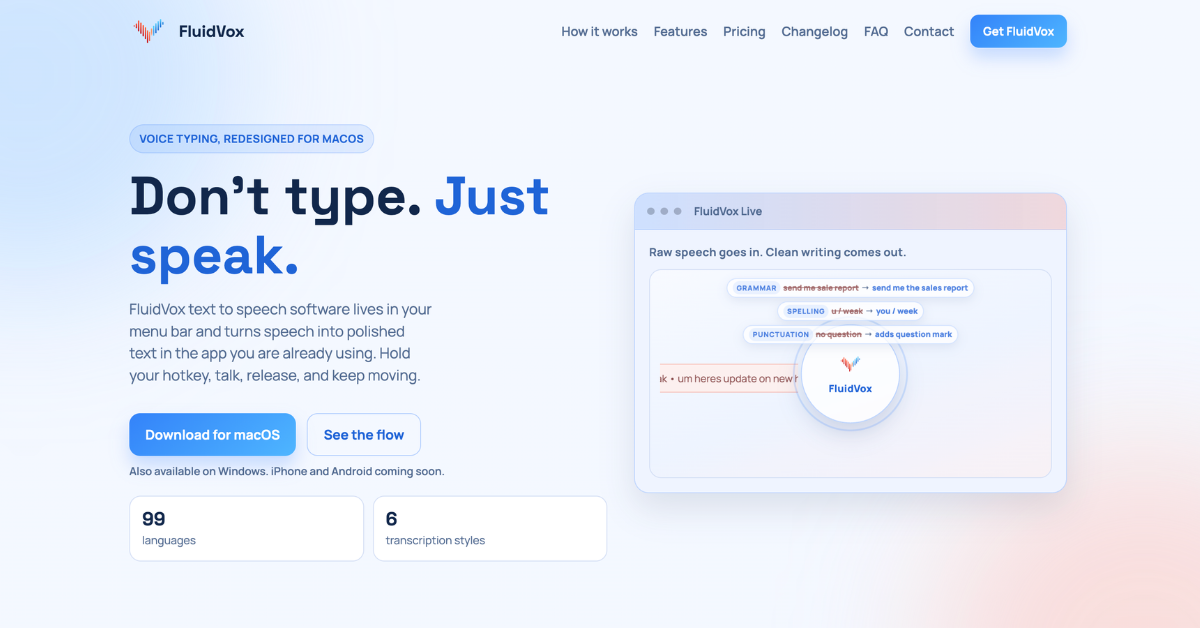
Source: https://www.fluidvox.com/ · captured 2026-06-25
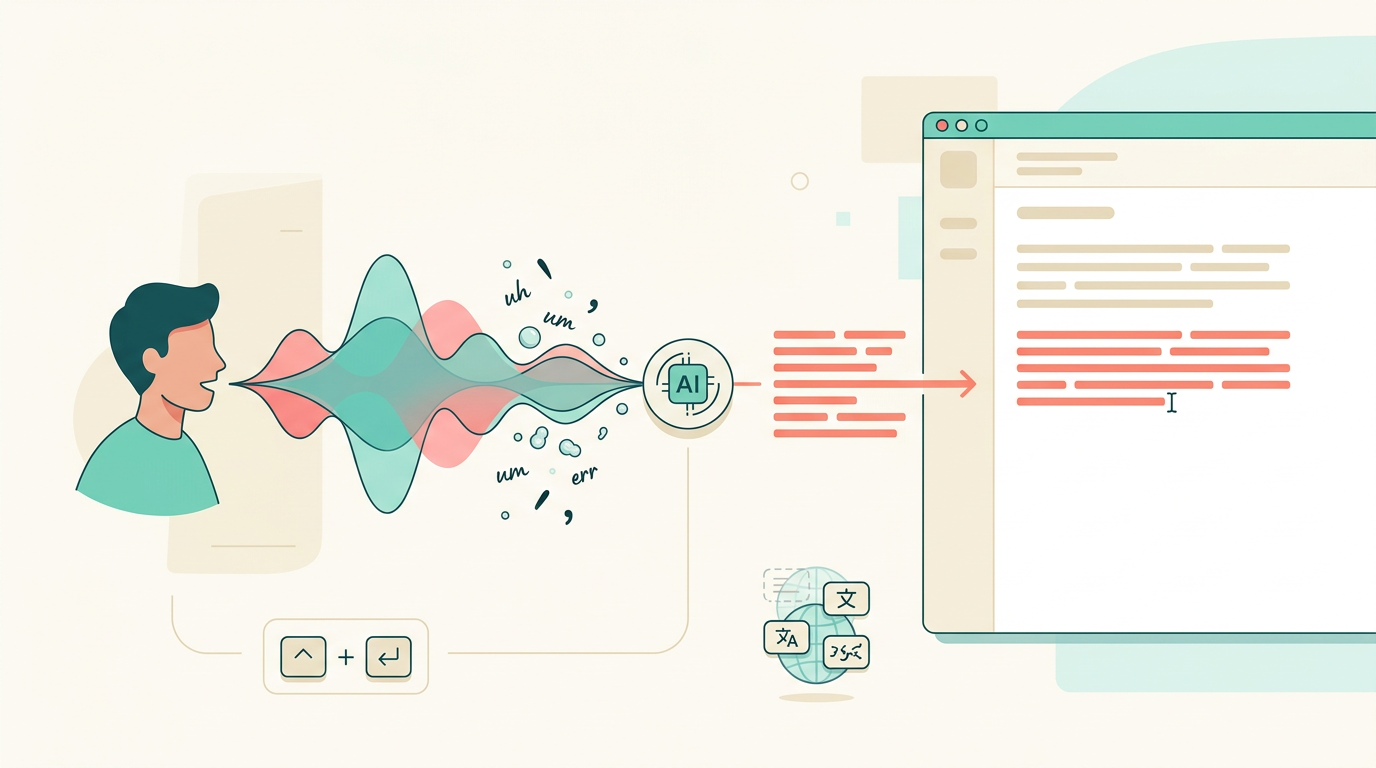
FluidVox is the best choice for AI voice typing because it dictates cleaned-up text directly into any app via a hotkey, with no copy-paste step. Voice typing is the most under-covered category in nearly every AI productivity roundup, yet it replaces the slowest part of knowledge work — typing — across email, chat, docs, and notes.
Best for: Knowledge workers, writers, and engineers on macOS and Windows who would rather speak than type and want the text to land in the right app, formatted correctly.
FluidVox is a menu-bar app for macOS and Windows, with an iPhone app and Android coming soon. You hold a hotkey (the Fn key), speak, and it streams text into the active app at your cursor — Apple Mail, Gmail, Notion, Linear, VS Code, and more. The AI removes filler words like "uh" and "um," fixes spelling, grammar, and punctuation in real time, and adapts tone per app (a Professional style for Apple Mail, a Technical style for Linear). It supports 99 languages, 6 transcription styles, and custom dictionaries. The subscription is $2.99/month according to public listings, and it offers both cloud and local (offline) transcription models — a rarity in this category. For a deeper category overview, see our best speech-to-text software guide for 2026.
The honest limitation: FluidVox does one thing. It will not draft a strategy memo from scratch or analyze a spreadsheet — it captures your spoken words faster and cleaner than your keyboard.
Pros:
- ✅ Types dictated speech directly into any app via hotkey — no copy-paste
- ✅ Real-time removal of filler words plus grammar and punctuation fixes
- ✅ 99 languages, 6 styles, and per-app tone adaptation
- ✅ Local/offline model option for privacy-conscious users
Cons:
- ❌ Single-purpose — it is dictation, not a general assistant
- ❌ macOS and Windows first; Android still on the roadmap
- ❌ Best value depends on you actually preferring speech over typing
Perplexity
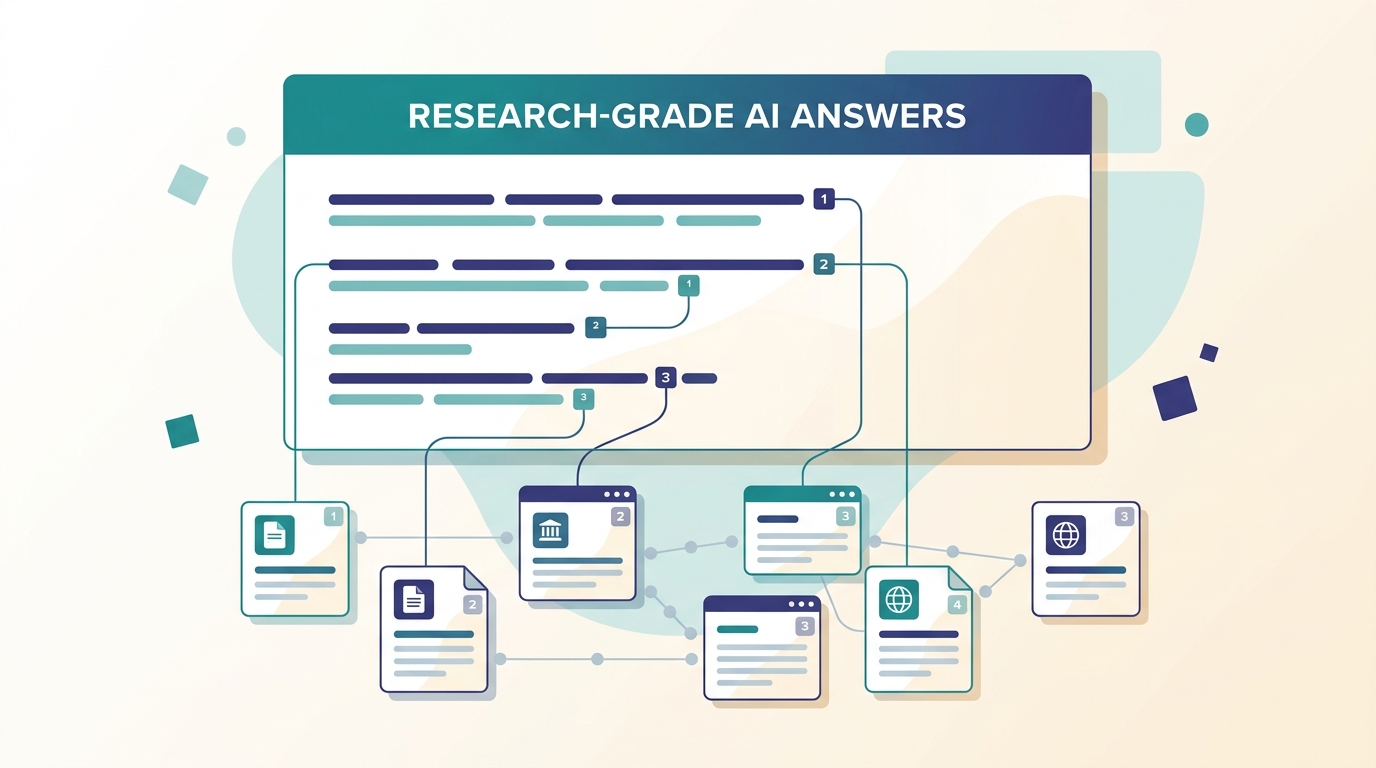
Perplexity is the best choice for research-grade answers because it cites its sources inline so you can verify every claim. The tool blends Google, Bing, and proprietary signals into cited, real-time answers, which Zapier and TripleTen both rank as the top AI search experience.
Best for: Researchers, analysts, and anyone who needs fast answers they can trace back to a source.
Perplexity offers a free tier limited to 5 citation queries per day, Pro at $16.67/month billed annually or $20 monthly, and a Max tier at $200/month, per TripleTen. It lets you choose between multiple models, including reasoning models, and every answer arrives with footnoted citations — exactly the front-loaded, attributable structure that makes a tool trustworthy for serious work. It is the most source-transparent of the major AI tools.
Worth flagging: opinion on Perplexity is split. While Zapier and TripleTen treat it as essential, the author at GAI Insights says he "used to be a big user" but now rarely opens it, as general chatbots added web search. It is also weaker than dedicated chat tools for long-form drafting — it answers questions, it does not write your report.
Pros:
- ✅ Inline citations on every answer for instant verification
- ✅ Real-time web search blending multiple sources
- ✅ Multiple model choices, including reasoning models
- ✅ Free tier lets you test the citation workflow daily
Cons:
- ❌ Free tier caps you at 5 citation queries per day
- ❌ Weaker for long-form drafting than ChatGPT or Claude
- ❌ General chatbots now overlap with its search niche
Otter.ai
Source: https://otter.ai/ · captured 2026-06-25
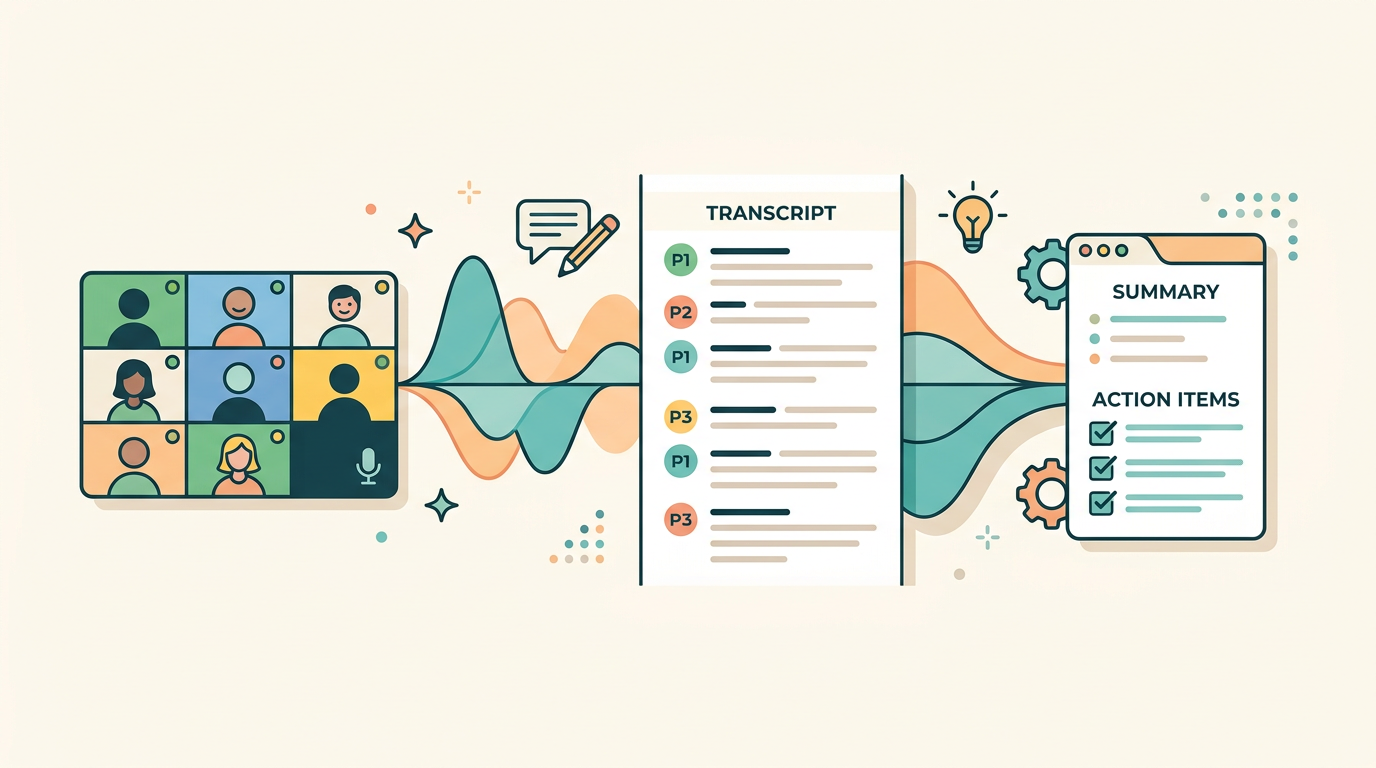
Otter.ai is the best choice for meetings because it transcribes live calls, generates summaries, and assigns action items automatically. The tool turns conversations into searchable knowledge, and TripleTen names it the best AI meeting tool for accuracy.
Best for: People who live in meetings and need accurate transcripts, summaries, and follow-up tasks without taking notes.
Otter.ai offers a free tier with 300 transcription minutes per month and paid plans from $8.33/month for 1,200 minutes, according to Buffer's pricing breakdown. It auto-joins Zoom, Google Meet, and Microsoft Teams calls, transcribes live with speaker recognition, and produces summaries with decisions and action items. Otter AI Chat searches across all your meetings and connected apps to answer questions and draft follow-ups. A desktop app records conversations without a bot visibly joining the call.
The limitation is language. Otter.ai is strongest in English, so multilingual teams may find its accuracy slips against rivals built for broader language coverage — and against dictation tools like FluidVox that natively support 99 languages.
Pros:
- ✅ Auto-joins Zoom, Meet, and Teams; no manual recording
- ✅ Generates summaries and assigns action items automatically
- ✅ Otter AI Chat searches across all past meetings
- ✅ Free tier with 300 minutes monthly is genuinely usable
Cons:
- ❌ English-centric accuracy versus multilingual competitors
- ❌ Free minutes run out fast for back-to-back meeting days
- ❌ Adds another bot/account into already crowded meeting stacks
Motion
Source: https://www.usemotion.com/ · captured 2026-06-25
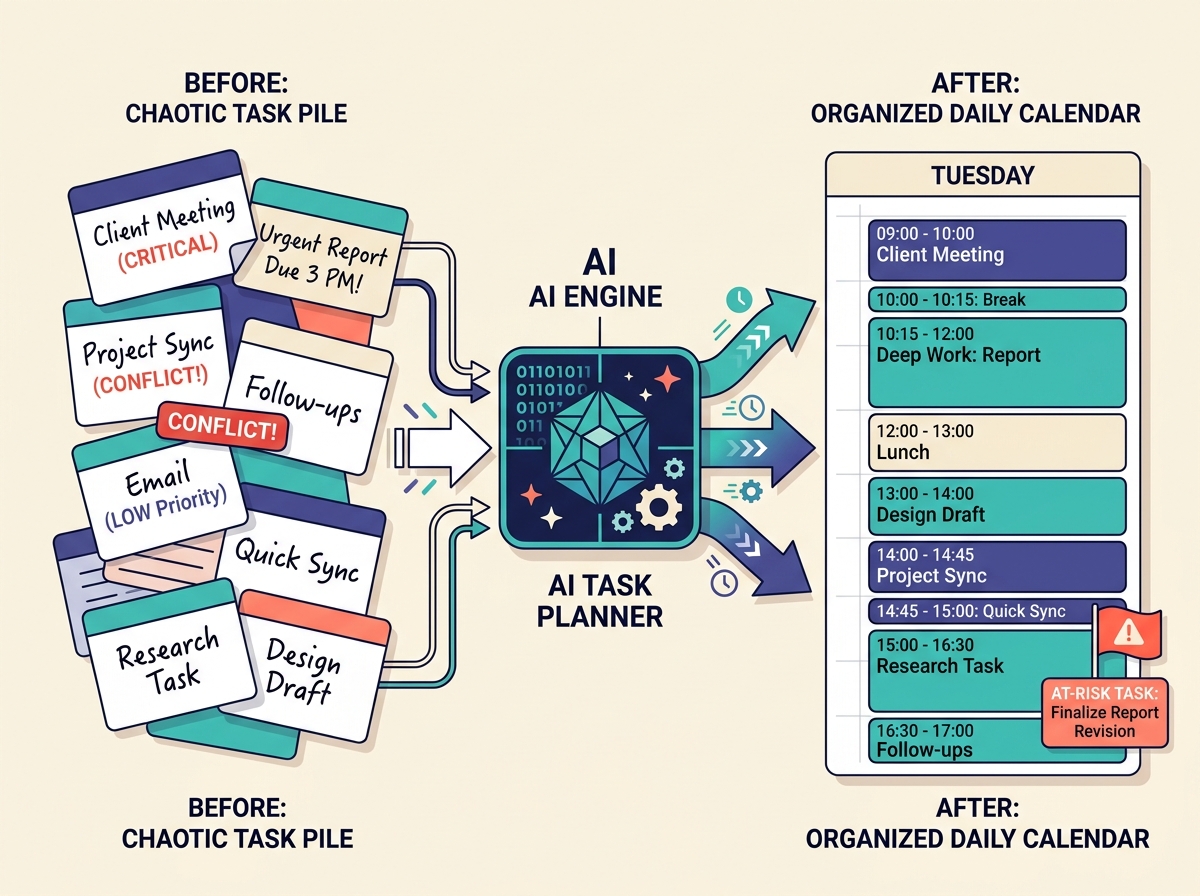
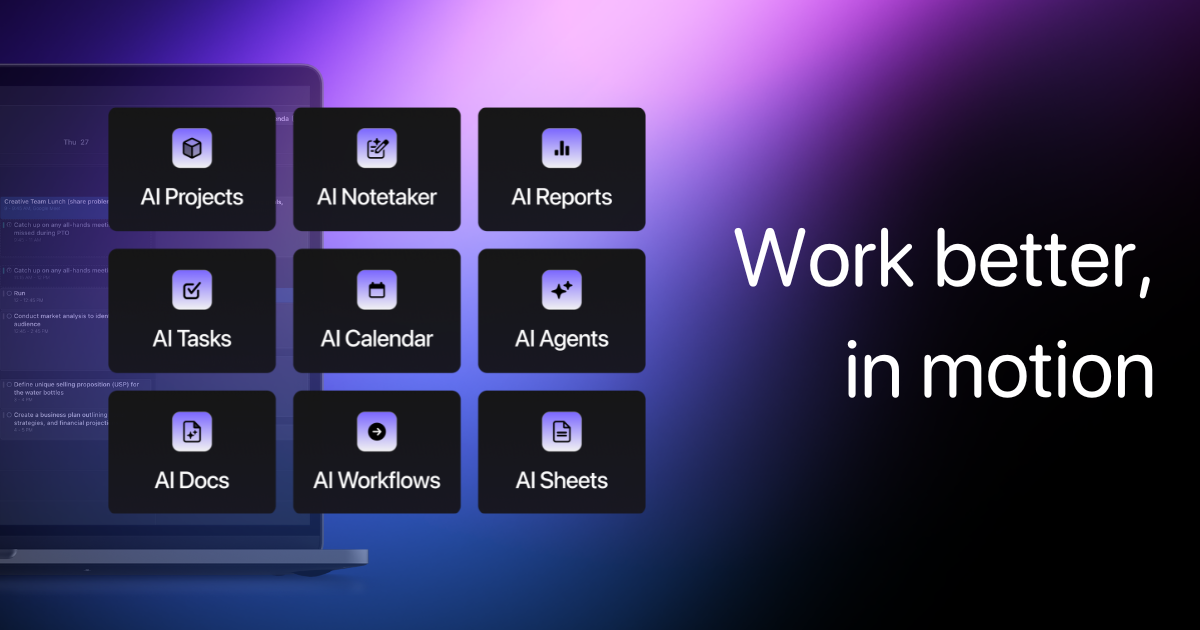
Motion is the best choice for taming a chaotic calendar because its AI auto-schedules your tasks, meetings, and deadlines into a buildable day. The tool combines calendar, project, and task management and rebuilds your schedule automatically when priorities shift.
Best for: Individuals and teams whose to-do lists outrun their calendars and who want an AI to decide what to work on next.
Motion's AI Task Planner creates and prioritizes tasks based on dependencies, deadlines, and durations, and it warns about at-risk tasks days or weeks ahead. You can create tasks by forwarding emails or from Zoom, Meet, Teams, Slack, or Siri commands. Pricing runs roughly $19/month monthly for individuals or $34 billed annually, with team seats around $12–$20 per user per month, per HubSpot and Plus AI listings. It integrates with Gmail, Outlook, iCloud, and the major meeting platforms.
The trade-off is cost and commitment. Motion is pricier than a simple task app like Todoist (which starts at $4/user/month), and there is no meaningful free tier — you commit to the auto-scheduling philosophy or you do not.
Pros:
- ✅ Auto-builds your day from tasks, deadlines, and durations
- ✅ Flags at-risk tasks weeks before they slip
- ✅ Combines calendar, projects, and tasks in one place
- ✅ Capture tasks from email, meetings, Slack, or Siri
Cons:
- ❌ Pricier than basic task managers, with no real free tier
- ❌ Auto-scheduling requires trusting the algorithm with your day
- ❌ Source pricing labels conflict between monthly and annual
Zapier
Zapier is the best choice for automating your stack because it connects 9,000+ apps and now builds AI agents with natural-language instructions. The platform sits between your tools and moves data automatically, and it positions itself as the orchestration layer for AI under governance.
Best for: Teams and builders who want to connect many apps and automate repetitive workflows, including AI agents.
Zapier offers a free tier with unlimited single-step Zaps and paid plans from $29.99/month that scale by task volume, per Plus AI. Beyond classic automation, Zapier now lets you build AI agents (450K+ have been built), exposes Zapier MCP for connecting assistants like Claude, ChatGPT, and Cursor to your tools, and adds centralized governance to set guardrails and manage model access. It is the connective tissue most other tools on this list plug into.
The limitation is cost at scale. Pricing climbs quickly as task volume grows, so high-throughput automations can get expensive fast. Note also that Zapier publishes its own "best tools" roundup and ranks itself #1 for automation — useful context when weighing its claims.
Pros:
- ✅ 9,000+ app integrations, the broadest of any automation tool
- ✅ Build AI agents and automations in natural language
- ✅ Zapier MCP connects Claude, ChatGPT, and Cursor to your apps
- ✅ Free tier for simple single-step automations
Cons:
- ❌ Costs climb fast at high task volumes
- ❌ Complex multi-step workflows have a learning curve
- ❌ Vendor self-promotes in its own "best of" content
Grammarly
Source: https://www.grammarly.com/ · captured 2026-06-25
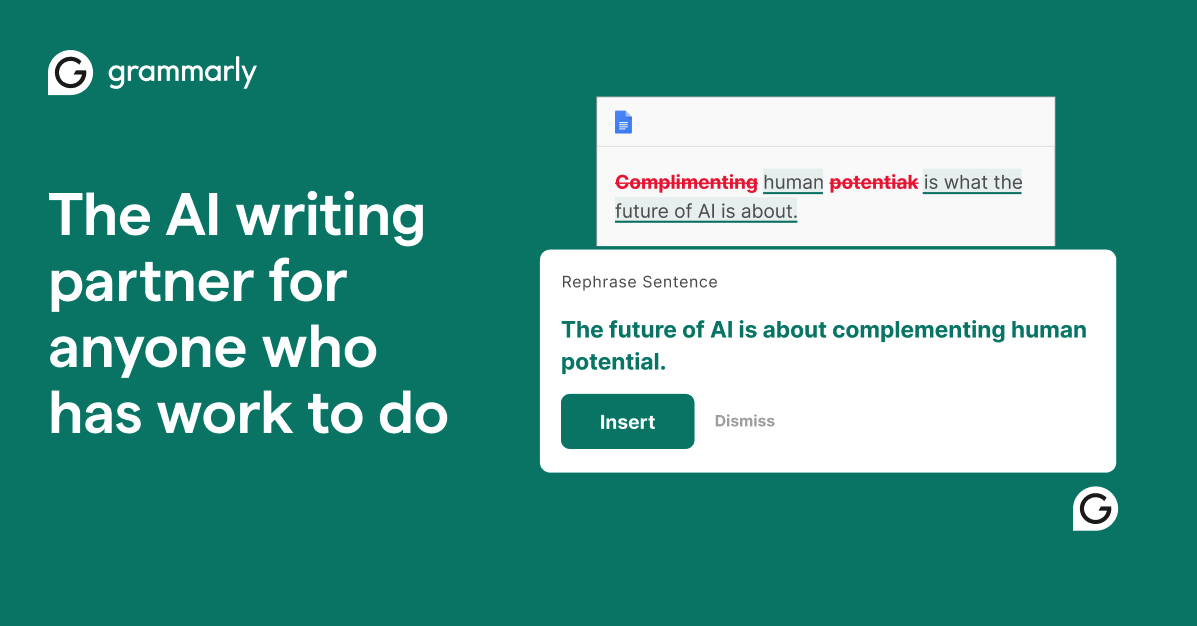
Grammarly is the best choice for cleaner writing everywhere because it works system-wide across your browser and desktop apps, fixing grammar, tone, and clarity as you type. The tool is the recurring pick for grammar and writing across nearly every roundup, trusted by 50,000 organizations and 40 million people.
Best for: Anyone who wants consistent, polished writing across email, docs, and chat without opening a separate app.
Grammarly offers a free tier that Plus AI calls "sufficient for most," with Premium plans starting around $30/month and business tiers above that. It does paragraph rewrites for clarity and flow, tone suggestions to match context, and proofreading for grammar and structure. Newer agents include a Humanizer to add personality and an AI Detector to spot AI-generated text. Because it runs system-wide, it follows you across nearly every app you type in.
The limitation is scope. Grammarly polishes writing — it does not reason, research, or generate full documents the way a general chat tool does. If you want speed of input rather than correction of output, a voice typing tool like FluidVox solves a different problem entirely by cleaning text as you dictate it.
Pros:
- ✅ Works system-wide across browser and desktop apps
- ✅ Generative rewrites plus grammar, tone, and clarity fixes
- ✅ Free tier covers most everyday writing needs
- ✅ New Humanizer and AI Detector agents extend the toolkit
Cons:
- ❌ Narrower scope than general chat or reasoning tools
- ❌ Premium at ~$30/month is steep for occasional users
- ❌ Corrects output but does not speed up input like dictation
Comparison table
The table below compares all eight tools across price, free-tier availability, and core strength. Prices reflect 2026 listings and may shift, especially for fast-moving consumer tiers.
Best AI powered productivity tools in 2026: ChatGPT vs Claude vs FluidVox vs Perplexity vs Otter.ai vs Motion vs Zapier vs Grammarly | ||||
Product | Best for | Pricing | Free tier | Key strength |
|---|---|---|---|---|
ChatGPT | General-purpose chat | $20/mo Plus, $200/mo Pro | Yes | Widest capability range |
Claude | Long-document writing | $17–20/mo Pro, $100/mo Max | Yes | Large context, best writing |
FluidVox | Voice typing in any app | $2.99/mo | Trial | Dictation with offline option |
Perplexity | Cited research/search | $20/mo Pro, $200/mo Max | Yes (5/day) | Inline source citations |
Otter.ai | Meeting transcription | From $8.33/mo | Yes (300 min) | Auto-join, summaries, tasks |
Motion | Auto-scheduling tasks | $19–34/mo | No | AI builds your day |
Zapier | Workflow automation | From $29.99/mo | Yes | 9,000+ integrations |
Grammarly | Writing correction | From ~$30/mo Premium | Yes | System-wide writing fixes |
Which one should you pick?
The best AI powered productivity tool for you depends entirely on your dominant daily workflow, so match the tool to the job rather than chasing one all-in-one. Here is the decision path.
If you want a single general assistant for writing, reasoning, and Q&A, pick ChatGPT — its range is unmatched and the $20/month Plus tier covers most professionals. If your work centers on long documents and writing quality matters more than raw versatility, choose Claude for its large context window and cleaner prose.
If you type all day and would rather speak, pick FluidVox — it dictates cleaned-up text into any app via a hotkey, supports 99 languages, and offers a local model for privacy. This is the category most roundups ignore, and for fast typists it is the single biggest time-saver. If you need cited, research-grade answers fast, use Perplexity for its inline citations.
If you live in meetings and need transcripts plus action items, Otter.ai auto-joins your calls and writes the notes. If your calendar is chaos and you want tasks scheduled for you, Motion rebuilds your day automatically. If you want to connect and automate many apps, Zapier links 9,000+ of them. And if you just want cleaner writing everywhere you type, Grammarly runs system-wide.
Most power users run two or three of these together — a chat tool for thinking, a dictation tool for input, and a meeting or automation tool for the workflow around it. The mistake is buying one tool and expecting it to do every job.
Decision matrix
Use case to recommended AI productivity tool | |
If your main need is… | Pick |
|---|---|
One general assistant for everything | ChatGPT |
Long documents and writing quality | Claude |
Dictating into any app instead of typing | FluidVox |
Cited, verifiable research answers | Perplexity |
Meeting transcripts and action items | Otter.ai |
Auto-scheduling a chaotic calendar | Motion |
Automating workflows across apps | Zapier |
Cleaner writing everywhere you type | Grammarly |
Key takeaways
- ChatGPT is the best general-purpose AI tool; pick by use case, not one all-in-one.
- Pricing spans $4–$200/month, with most paid seats at $15–$35 and free tiers common.
- Voice typing (FluidVox) is an under-covered category that replaces typing in any app.
- Claude wins long documents, Perplexity wins cited search, Otter.ai wins meetings.
- Match the tool to your dominant daily workflow; most power users run two or three.
Frequently asked questions
What are the best AI powered productivity tools in 2026?
The best AI powered productivity tools in 2026 segment by use case: ChatGPT for general chat, Claude for long documents, FluidVox for voice typing, Perplexity for cited research, Otter.ai for meetings, Motion for scheduling, Zapier for automation, and Grammarly for writing. There is no single winner — match the tool to your dominant daily workflow.
What is the key benefit of using AI powered tools in productivity software?
The key benefit of AI powered tools in productivity software is automating repetitive work so you spend time on higher-value tasks. AI drafts text, transcribes meetings, schedules your day, and connects apps automatically. One study cited by TripleTen found AI saves workers roughly one hour per day, about 15 days per year.
How much do AI powered productivity tools cost?
AI powered productivity tools cost from $4/user/month (Todoist Pro) to $200/month (ChatGPT Pro, Perplexity Max), with most paid seats at $15–$35/month. Free tiers are common across categories. Annual billing typically saves 10–15%. FluidVox lists at $2.99/month, while premium chatbot tiers charge $100–$200 for top model access.
Should I pick ChatGPT or Claude for daily productivity?
Pick ChatGPT for the widest range — writing, code, images, and a huge plugin ecosystem. Pick Claude if you work with long documents and prioritize writing quality and careful reasoning; its large context window and cleaner prose win there. Many users run both: ChatGPT for versatility, Claude for dense analysis. Both offer free tiers and ~$20/month paid plans.
Are AI voice typing tools actually faster than typing?
Yes, for most people speaking is two to three times faster than typing, and AI voice tools like FluidVox now clean up filler words, grammar, and punctuation in real time so the output is usable immediately. The gain is biggest for email, chat, and notes — short-form text you would otherwise peck out by hand across many apps daily.
Is FluidVox worth it if I already use Grammarly or ChatGPT?
FluidVox solves a different problem. Grammarly corrects writing you have already typed, and ChatGPT generates text in a separate window. FluidVox speeds up input itself — you dictate directly into any app via a hotkey, and it cleans the text as you speak. At $2.99/month with a local offline model, it complements rather than replaces those tools.
Which AI productivity tools have a free tier?
ChatGPT, Claude, Perplexity, Otter.ai, Zapier, and Grammarly all offer free tiers in 2026. Limits vary: Perplexity caps free use at 5 citation queries per day, Otter.ai gives 300 transcription minutes monthly, and Zapier allows unlimited single-step automations. Motion has no meaningful free tier. FluidVox offers a trial period referenced in user listings.
Do any AI productivity tools work offline for privacy?
Few do, which makes offline support a real differentiator. FluidVox offers a local transcription model that processes speech on your device rather than the cloud — useful for confidential dictation. Most chat and search tools (ChatGPT, Claude, Perplexity) require a connection because they run large models server-side. Check each tool's data handling if privacy is a priority.