Blog
Free Audio to Text Transcription That Actually Reads Well
On this page
- Can you really transcribe audio to text for free?
- The catch with 'free' tiers: where the caps hide
- Free audio to text tools compared
- Why most free transcripts read badly (and how to fix it)
- Metered free tier vs. one-time lifetime license: which is cheaper long-term
- How to pick the right free transcription tool for your use case
Can you really transcribe audio to text for free?
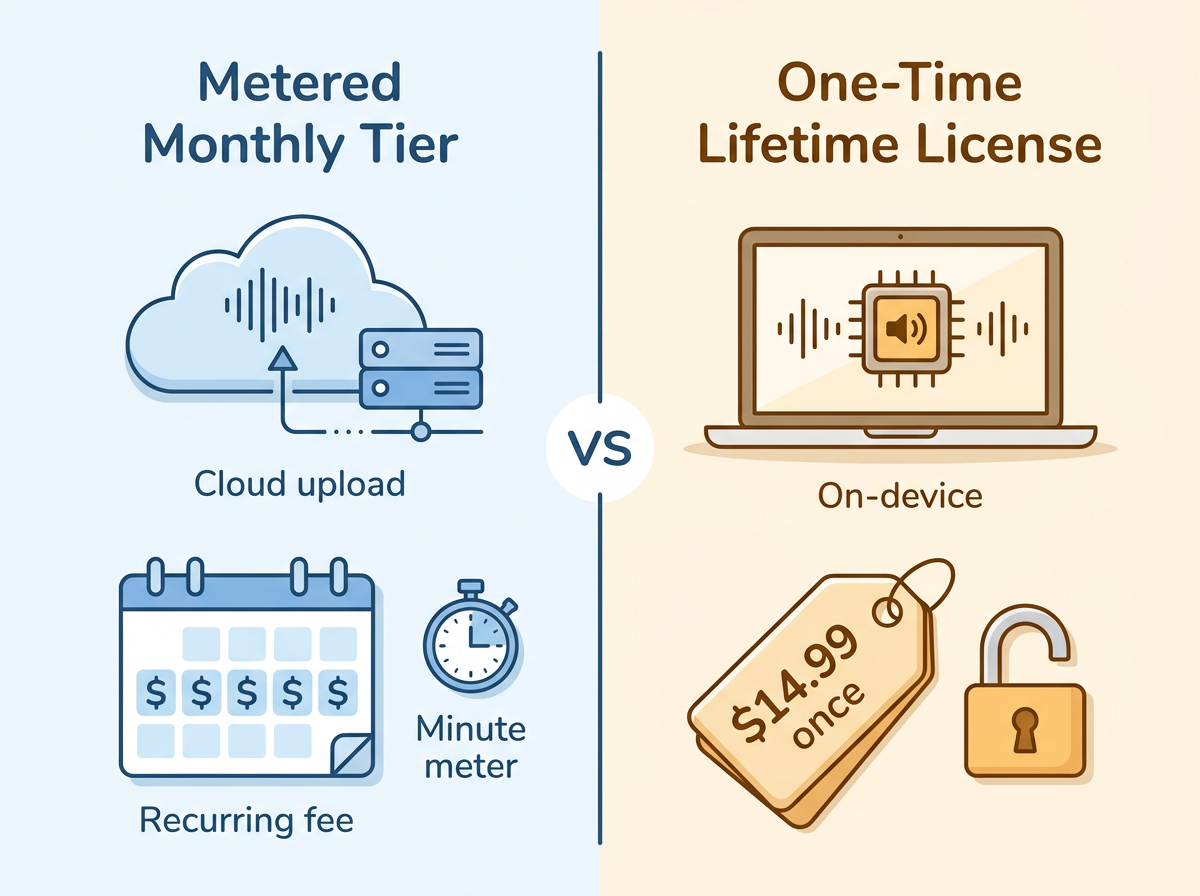
Yes — free audio to text transcription is real, but the word "free" hides two very different economic models. The first is the metered or ad-supported free tier: tools like Otter.ai, Happy Scribe, and ElevenLabs Scribe let you transcribe at $0, then cap you by minutes, credits, or file size. The second is a one-time lifetime license, where you pay a small fee once and transcribe freely afterward with no recurring bill.
The metered model is genuinely free only up to a limit. Otter.ai's Basic plan gives you 300 minutes a month with a 90-minute file cap, per FluidVox's roundup of transcription tools. Cross that line and you either wait for next month or start paying $6 to $24 a month.
The one-time model works differently. FluidVox lists a $14.99 Local Lifetime in-app purchase on the Apple App Store that unlocks on-device Whisper transcription with no subscription — pay once, then run local transcription free after that. So the honest answer to "is it free?" is: pick your definition. $0 with monthly caps, or roughly $15 once and then no meter at all.
The catch with 'free' tiers: where the caps hide
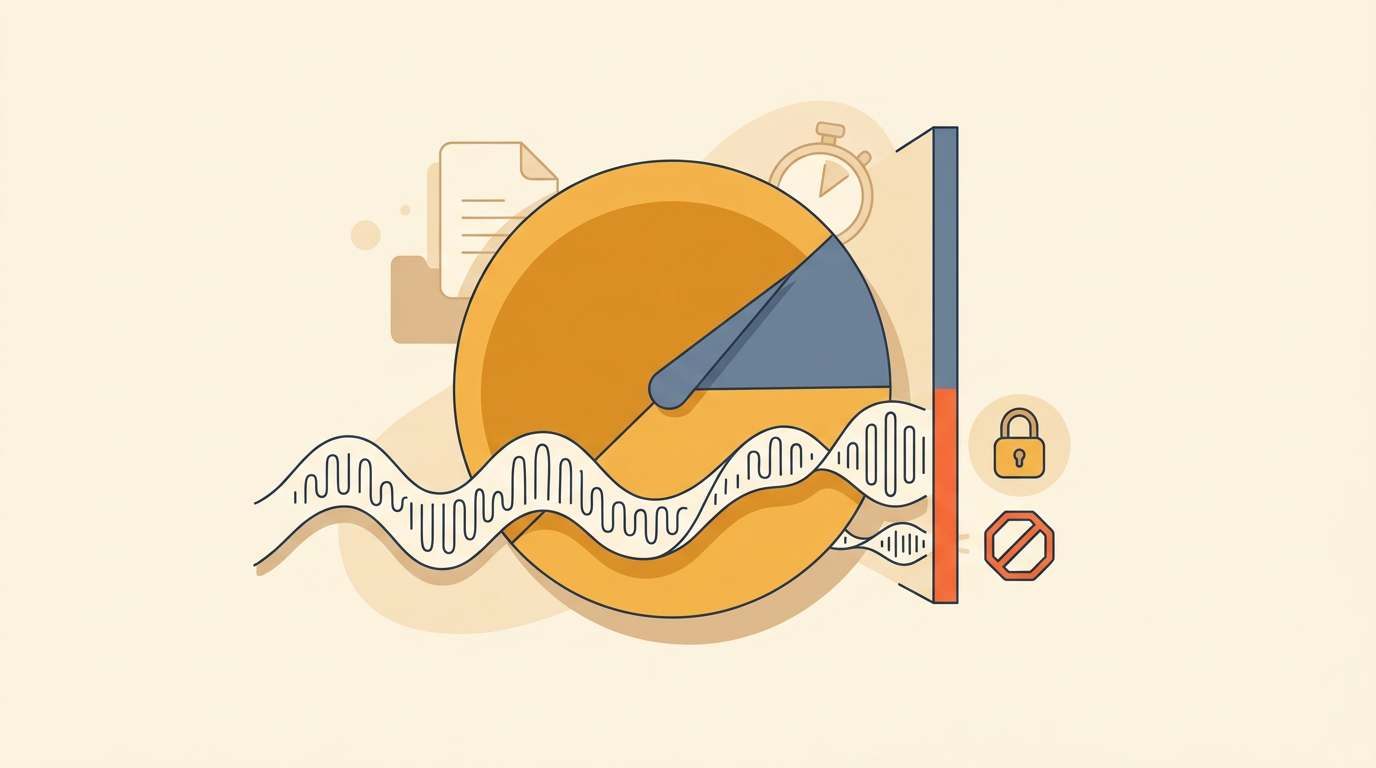
Most free transcription tiers give you a metered slice, not unlimited use — and the caps are usually buried below the "100% free" headline. Read the fine print before you commit a long recording to any of them.
Otter.ai's free Basic plan caps you at 300 minutes per month with a 90-minute limit per file, according to FluidVox's tool comparison. Happy Scribe advertises "free" but only covers your first 10 minutes of AI transcription before charging. ElevenLabs Scribe hands out 10,000 credits a month on the web tier — generous for short clips, quickly spent on long ones. Riverside's free transcription tool is unlimited in length but assigns every word to a single speaker; multi-speaker detection is paid-only.
The limits keep going. UniScribe's free tier gives you 120 minutes a month, a 30-minute file cap, and three files a day — and runs a lower-accuracy basic model on the free plan. Restream lets new users transcribe exactly one audio file free. Canva's built-in transcriber only handles files under 4.5MB.
Then there are the softer costs. Many tools put a registration wall in front of the free tier, so "no cost" still means handing over an email and, often, an uploaded file that lives on someone else's server. A truly no-signup, no-limit tool like NoteGPT is the exception, not the rule. The practical takeaway: a metered slice is fine for a one-off clip, but if you transcribe regularly, you'll hit a wall — and the wall is where the paid plan starts.
Free audio to text tools compared
The main free options split cleanly by cost model: metered monthly tiers (Otter.ai, Happy Scribe, ElevenLabs, Riverside) versus a one-time lifetime license (FluidVox). The table below lines up free allowance, cost model, offline support, languages, and output cleanup so you can scan the tradeoffs in one view. All accuracy and language figures are vendor self-reported, not independently benchmarked.
| Tool | Free allowance | Cost model | Offline / local | Languages | Output cleanup |
|---|---|---|---|---|---|
| Otter.ai | 300 min/month, 90-min file cap | Free tier, then paid subscription | No (cloud) | English, Spanish, French | Summaries, action items |
| Happy Scribe | First 10 minutes free | Free trial, then paid | No (cloud) | 150+ | Human review option (paid) |
| ElevenLabs Scribe | 10,000 credits/month | Free credits, then paid | No (cloud) | 99 | Raw transcript focus |
| Riverside | Unlimited, single-speaker only | Free tool, then from $24/mo | No (cloud) | Multiple | Single-speaker only on free |
| FluidVox | Paid unlock (no recurring fee) | $14.99 one-time Local Lifetime; $4.99 Pro | Yes (on-device Whisper) | 26 (App Store) / 99 (site) | AI removes filler words, fixes grammar & punctuation |
The standout difference is the last two columns. Every cloud tool here uploads your audio and processes it remotely; FluidVox's Local Lifetime plan runs on-device Whisper, so audio never leaves your machine and there's no per-minute meter. FluidVox also cleans output as it transcribes — a detail most raw-transcript tools skip, which matters more than it sounds. (Note: FluidVox lists 26 languages on the App Store but 99 on its site, one of several vendor-figure conflicts worth checking against your own language.)
Why most free transcripts read badly (and how to fix it)
Most free transcripts read badly because raw speech-to-text is verbatim — it captures every "um," every false start, every run-on sentence, and it rarely adds proper punctuation. A model like OpenAI's Whisper is accurate at hearing words, but accuracy at the word level is not the same as text a human wants to read. You get a wall of lowercase text with missing commas and repeated filler, and then you spend twenty minutes editing it by hand.
The fix is post-processing. Raw output needs three things: filler-word removal ("you know," "like," "I mean"), punctuation and capitalization repair, and grammar cleanup that turns spoken run-ons into readable sentences. Some tools do this automatically; most don't, which is why "free" transcripts so often arrive as a chore rather than a finished document.
This is where LLM-based cleanup changes the output. Instead of dumping the raw transcript, FluidVox runs the text through a language model that strips filler words and fixes spelling, punctuation, and grammar in real time, then applies one of six styles suited to the app you're writing in. FluidVox also argues that local voice transcription models can beat subscription apps on both privacy and cost while doing this cleanup on-device.
A useful distinction to keep in mind: verbatim transcription (every word, warts and all) is what you want for legal or research records, while readable transcription is what you want for notes, drafts, and messages. Vendor accuracy claims — Otter's 85–90%, TurboScribe's 99.8% — measure the first kind, not the second. If you want text you can paste and send without editing, look for a tool that promises cleanup, not just a high word-accuracy number.
Metered free tier vs. one-time lifetime license: which is cheaper long-term
For regular use, a one-time lifetime license is cheaper than a metered plan within the first few months — for occasional one-off clips, the $0 metered tier stays cheaper indefinitely. The break-even math is simple once you know your volume.
A metered free tier costs $0 as long as you stay under its cap. Push past Otter.ai's 300 minutes a month, and the realistic next step is a subscription: UniScribe runs $6 to $18 a month billed yearly, Riverside starts at $24 a month, and pay-per-minute services like Speechnotes charge $0.10 a minute. Those costs recur forever.
FluidVox's Local Lifetime purchase is $14.99 once, after which local transcription carries no subscription and no per-minute charge because processing happens on your device, not in the cloud. Against a $6/month plan, that pays for itself in roughly three months. Against a $24/month plan, it breaks even in under three weeks. And because local processing has no meter, a heavy user who'd blow through every free tier pays the same $14.99 as a light one.
The honest caveat: if you only need to transcribe a short clip once or twice a year, a no-signup tool like AudioToText.com at $0 is the right call — there's nothing to recoup. The lifetime license wins specifically when you transcribe or dictate often enough to hit the caps that free tiers are designed to enforce.
How to pick the right free transcription tool for your use case
Pick by intent — the best free tool depends far more on how you'll use it than on any single accuracy number. Match your situation to one of these:
- One-off short clip: Use a no-signup, unlimited web tool like AudioToText.com or NoteGPT. You'll get text in seconds without an account, and you're well within any free limit for a single file.
- High-volume ongoing dictation: Choose a one-time license so you stop feeding a monthly meter. FluidVox's $14.99 Local Lifetime plan removes per-minute limits entirely, which suits anyone transcribing daily. If you dictate all day, why local models beat subscription dictation apps is worth reading first.
- Privacy-sensitive audio: Go offline. On-device Whisper processing (FluidVox Local, or open-source Audacity's OpenVINO transcription plugins) keeps recordings on your machine — no upload, no server copy. That matters for client calls, medical notes, or anything confidential.
- Multilingual work: Confirm the language list before you rely on it. ElevenLabs Scribe and FluidVox both advertise 99 languages, though FluidVox's App Store listing cites 26 — verify your specific language rather than trusting the headline number.
- Dictate directly into any app: If your real goal is typing by voice into email, Slack, or your editor rather than transcribing a recording, use a menu-bar tool that inserts text into the active app via a hotkey. FluidVox does this across macOS and Windows, and its guide to transcribing across any app walks through the workflow — no copy-paste from a transcript window.
Key takeaways
- Most free tools cap you: Otter.ai gives 300 min/month, Happy Scribe 10 minutes, Riverside single-speaker only.
- FluidVox's $14.99 one-time Local Lifetime license unlocks ongoing local transcription with no recurring fee.
- Local (offline) Whisper processing keeps audio private and removes per-minute caps entirely.
- Raw speech-to-text is verbatim; readable text needs filler removal plus punctuation and grammar cleanup.
- A one-time license beats a $6/month plan in about three months for regular users.
Frequently asked questions
Is free audio to text transcription accurate enough to use?
For clear audio, yes. Vendors self-report 85–99% word accuracy — Otter.ai claims 85–90%, Happy Scribe 96%, TurboScribe 99.8%. None are independently benchmarked. But word accuracy isn't readability: raw output keeps filler words and missing punctuation, so budget for cleanup unless the tool post-processes text automatically.
Can I transcribe audio to text offline without uploading files?
Yes. On-device tools using OpenAI's Whisper model transcribe locally without uploading anything. FluidVox's $14.99 Local Lifetime plan runs Whisper on your machine, and Audacity's free OpenVINO plugins do offline transcription too. Offline processing keeps confidential audio private and removes per-minute cloud costs and caps.
What's the difference between a free tier and a one-time lifetime license?
A free tier costs $0 but caps usage — Otter.ai stops at 300 minutes a month, Happy Scribe at 10 minutes. A one-time license, like FluidVox at $14.99, charges once and then lets you transcribe freely with no subscription or per-minute meter, which works out cheaper for regular users.
Do free transcription tools support multiple languages?
Many do. Happy Scribe advertises 150+ languages, ElevenLabs Scribe and FluidVox cite 99, and Evernote covers 50+. Watch for conflicting vendor figures, though — FluidVox lists 26 languages on the Apple App Store versus 99 on its site. Verify your specific language before relying on a headline count.