Guide
Dragon Dictation Software: Versions, Prices and Mac Support
Hold one key, speak, and clean text appears in whatever app you're using. Your transcript history stays on your computer.
Download FluidVox 14-day free trial, no credit card.
On this page
- Dragon's editions today
- What Dragon costs
- What Dragon does well
- Dragon on a Mac
- Where Dragon falls short
- Dragon and FluidVox compared
- Dictate in any app with FluidVox
- Which should you use
- FAQ
- Sources
Dragon has been around for a long time (Nuance says v16 is "built on a quarter-century of expertise"), and many people still know it as Dragon NaturallySpeaking. Nuance, the company behind it, now titles its home page "Nuance is now Microsoft", and its product pages now sell the desktop software as Dragon Professional. Healthcare has gone its own way: Microsoft's Dragon learning page sends clinicians to Microsoft Dragon Copilot. If you're mainly comparing Dragon with the tools already in Windows, our Windows speech recognition alternative guide covers voice typing and Voice Access, and the roundup of Windows voice recognition software ranks Dragon against six other tools.
Dragon's editions today
Nuance's Dragon page lists two kinds of Dragon: software you install on a Windows PC, and cloud-hosted Dragon for organizations.
| Edition | What it is | Runs on |
|---|---|---|
| Dragon Professional v16 | The main desktop edition, for individuals and organizations. Dictation, voice commands and transcription of recordings | Windows 11, and works on Windows 10 |
| Dragon Legal v16 | Dragon customized for the legal industry, for contracts, briefs and motions | Windows 11 and Microsoft Office |
| Dragon Law Enforcement v16 | For incident reports written in the field | Windows 11 |
| Dragon Professional Anywhere | Cloud-hosted Dragon for organizations | A Windows client, hosted in the cloud |
| Dragon Legal Anywhere | Cloud-hosted Dragon with a built-in legal vocabulary and formatting, for firms of all sizes | Hosted in the cloud |
| Dragon Anywhere Mobile | A dictation app for documents of any length, sold as a subscription | iPhone, iPad and Android, in the US and Canada |
There's no home edition on Nuance's Dragon page any more. Dragon Home v15 appears only among the older install guides on Nuance's support page.
What Dragon costs
Nuance doesn't list prices on its own pages: the Dragon Professional and Dragon Anywhere Mobile pages lead to a "Contact us" button for licensing. Resellers still sell the desktop software. On 31 October 2026, CDW listed the download of Dragon Professional 16 in US English at $727.99. Organizations can ask Nuance about volume licensing, and Dragon Anywhere Mobile is sold as a subscription.
What Dragon does well
Dragon is built for people who dictate all day and want to run their work by voice. On its own pages, Nuance says:
- Accuracy from the start. Up to 99% recognition accuracy "right from first use", Nuance says, and high accuracy even for people with accents or in open offices.
- Commands and macros. Custom voice commands insert boilerplate text or signatures, and macros run multi-step tasks by voice. Microsoft's Dragon lessons cover moving around and formatting by voice instead of with the mouse.
- Transcription. Dragon Professional transcribes recordings of your own voice or another single speaker, and its Auto Transcribe Folder Agent works through a folder of recordings in one batch.
- Custom words. You can add names, acronyms and industry terms to Dragon's vocabulary, and Dragon Anywhere Mobile syncs custom words and Auto-texts with Dragon Professional on your PC.
- Management for teams. Nuance Management Center lets an organization deploy Dragon, share custom words and commands, and move licenses between people.
Dragon on a Mac
There's no current Dragon for Mac. In 2018, Nuance announced that it was discontinuing Dragon Professional Individual for Mac. "After much consideration, we have made the difficult decision to discontinue the Dragon Professional Individual for Mac line-up," Nuance told The Register at the time. Nuance offered telephone support for up to 90 days from activation in North America, and 180 days elsewhere. Today Nuance's desktop page is titled Dragon Professional (Windows).
On a Mac, your options are Apple's own Dictation, which is free and built in (see how to set up voice to text on a Mac), or a dictation app that works in every Mac app, such as FluidVox. Dragon Anywhere Mobile does run on iPhone and iPad, but it's a separate subscription app: you dictate into its own documents, then email, share or copy the text.
Where Dragon falls short
Dragon is a professional tool, and it shows when all you want is to talk instead of type:
- Windows only on the desktop. Mac users have had nothing since 2018.
- No price on the box. You either buy from a reseller, at around $730 for the desktop software, or contact Nuance's sales team about volume licensing and the cloud editions.
- It writes what you dictate. Microsoft's Dragon lessons teach you to say punctuation as you go and to fix mistakes with commands such as "Correct that". Nuance doesn't describe Dragon removing filler words or false starts.
- The mobile app needs a connection. Dragon Anywhere Mobile needs Wi-Fi or a cellular connection, and Nuance's data policy says your speech data is stored and processed in the United States.
Dragon and FluidVox compared
| Dragon Professional v16 | FluidVox | |
|---|---|---|
| Price | Not listed by Nuance; $727.99 at a US reseller on 31 October 2026 | Local, which transcribes on your computer: $2.99 a month or $39 once. Pro, with AI clean-up: $10 a month. Both start with a 14-day free trial |
| Computers | Windows 11 and 10 | Mac and Windows |
| Where it types | Windows apps, with a Dictation Box where it doesn't have full control of the text | Any app with a text field, at your cursor |
| Clean-up | You say punctuation and correct by voice command | On Pro, removes filler words and false starts and fixes punctuation |
| Your own words | Custom vocabulary, commands and macros | Personal dictionary that also learns your corrections |
| Recordings | Transcribes recordings of one speaker, one by one or a folder at a time | On Pro, 60 minutes of file transcription a month (300 on Pro+) |
Dictate in any app with FluidVox
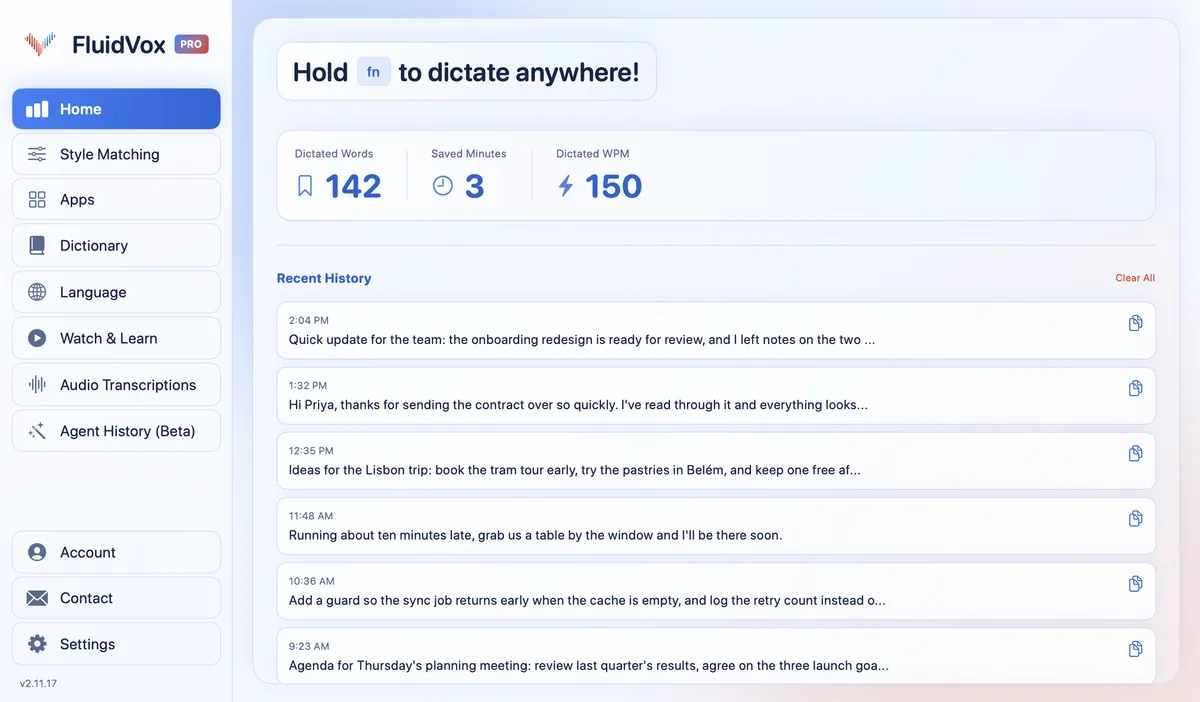
FluidVox doesn't try to replace Dragon's macros. It does one job: you hold a key, talk, and clean text appears wherever your cursor is, on a Mac or a Windows PC.
- Download FluidVox and start the 14-day free trial. No credit card is needed.
- On a Mac, allow Microphone, Accessibility and Input Monitoring when setup asks. On Windows, check your dictation hotkey in FluidVox's settings.
- Click where you want the text, in any app, hold your hotkey (Fn on a Mac), speak, and let go. FluidVox listens for as long as you hold the key.
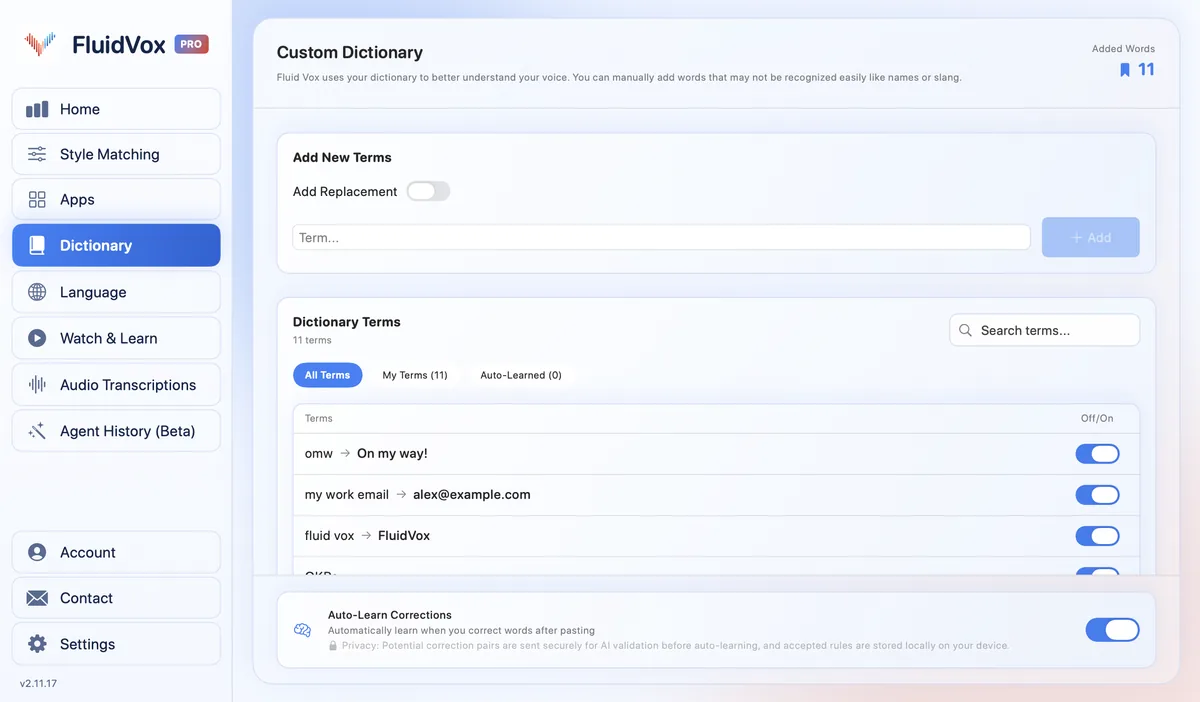
- Add names and terms to the Dictionary. When you fix a word FluidVox got wrong, it can learn the correction for next time.
- On Pro, give each app its own style under Apps, such as professional for email and casual for chat.
On privacy: cloud transcription sends your audio to a speech service to turn it into text, and on the Local plan transcription runs on your computer instead. Either way, your transcript history stays on your computer.
Which should you use
Dragon is still the stronger choice if you run a Windows PC by voice all day, need Dragon Legal's vocabulary or Dragon Law Enforcement's report templates, rely on macros and voice commands for repetitive steps, or work for an organization that deploys Dragon centrally.
If you're on a Mac, want to start without a sales call or a $728 license, or mostly want clean emails, messages and documents in the apps you already use, FluidVox does that for a fraction of the price, and you can try it free for 14 days. If you only dictate now and then on Windows, start with the free voice typing that's built in: our guide to Windows speech to text with Windows + H shows how.
FAQ
Is Dragon dictation software still available?
Yes. Nuance, now part of Microsoft, sells Dragon Professional v16 and Dragon Legal v16 for Windows, cloud-hosted Dragon Professional Anywhere and Dragon Legal Anywhere for organizations, and the Dragon Anywhere Mobile app. Its consumer Home edition is no longer on Nuance's Dragon page.
Does Dragon work on a Mac?
No. Nuance discontinued Dragon Professional Individual for Mac in 2018, and today's Dragon Professional v16 is Windows software. On a Mac, use Apple's built-in Dictation or an app such as FluidVox.
How much does Dragon cost?
Nuance doesn't publish prices on its own pages. On 31 October 2026, the US reseller CDW listed the Dragon Professional 16 download in US English at $727.99. Dragon Anywhere Mobile is a subscription, and for volume licensing Nuance asks you to contact its sales team.
Is Dragon NaturallySpeaking the same as Dragon Professional?
Dragon NaturallySpeaking is the name many people remember. Nuance's support page still mentions its Dragon NaturallySpeaking reseller community, but its current product pages sell the desktop software as Dragon Professional v16.
Who owns Dragon now?
Microsoft. Nuance's home page says "Nuance is now Microsoft", and Microsoft's support site hosts the Dragon Professional lessons.
Does Dragon work on iPhone?
Dragon Anywhere Mobile runs on iPhone, iPad and Android in the US and Canada. It's a subscription app that needs an internet connection and keeps its documents in the app, which you then email or share.
Sources
- Nuance, Nuance is now Microsoft, home page, checked 31 October 2026.
- Nuance, Dragon Speech Recognition Solutions, checked 31 October 2026.
- Nuance, Dragon Professional (Windows), checked 31 October 2026.
- Nuance, Dragon Anywhere Mobile, checked 31 October 2026.
- Nuance, Dragon Speech Recognition support, checked 31 October 2026.
- Microsoft Support, Learn Dragon Professional, checked 31 October 2026.
- CDW, Nuance Dragon Professional Speech Recognition Software 16, Download, US English (Retail), checked 31 October 2026.
- The Register, Mac users burned after Nuance drops Dragon speech to text software, 30 October 2018, checked 31 October 2026.
Hold one key, speak, and clean text appears in whatever app you're using. Your transcript history stays on your computer.
Download FluidVox 14-day free trial, no credit card.